
Your home office either works for you or against you — there’s no neutral ground. If you’ve ever sat down to work and spent the first twenty minutes adjusting your chair, hunting for a charger, or staring at a pile of clutter that somehow multiplied overnight, you already know exactly what I mean.
I redesigned my own home office twice before I got it right. The difference between version one (a folding table shoved in a corner) and version three (an actual functional workspace) wasn’t just aesthetic — my focus, output, and general mood all shifted dramatically. Your environment shapes your work more than most people want to admit.
These 12 home office ideas cover the setups, upgrades, and small changes that actually move the needle on productivity. Let’s build a workspace that actually works.
1. Position Your Desk to Face Natural Light
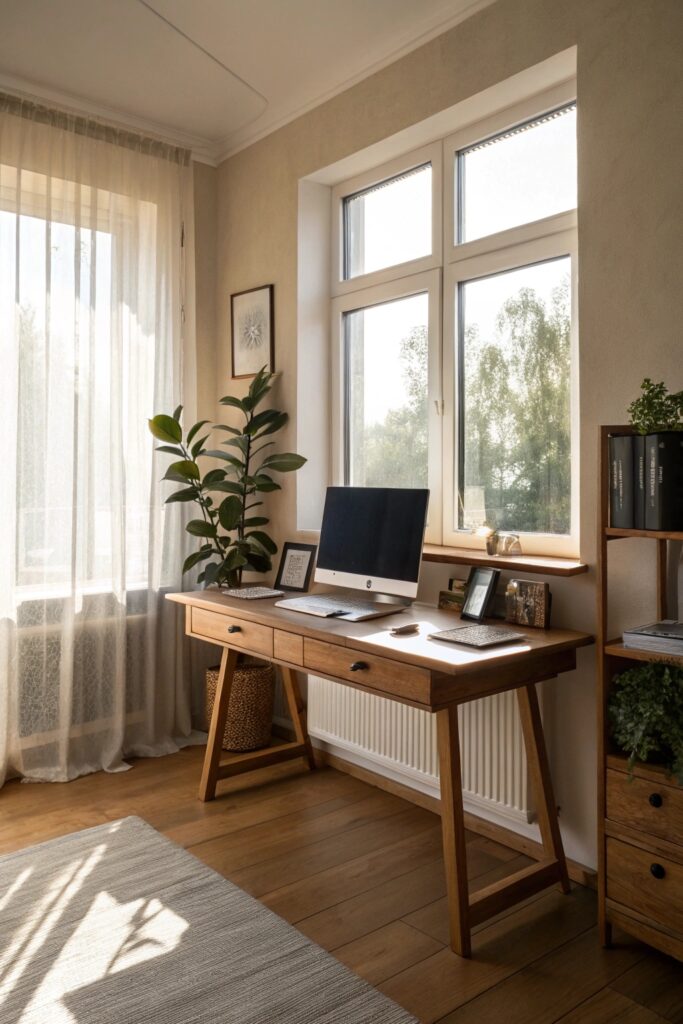
Where you put your desk matters more than what desk you buy. Natural light placement is the single most overlooked productivity factor in home office design.
Positioning your desk so that natural light hits from the side — not directly behind or in front of your monitor — reduces eye strain, boosts alertness, and keeps your video calls looking infinitely more professional. I spent two years facing a wall before I tried this, and the difference was immediate.
- North-facing windows provide consistent, glare-free light all day
- Use sheer curtains to diffuse harsh direct sunlight without losing brightness
- Never sit with a window directly behind your monitor — the contrast causes serious eye fatigue
Good natural light also improves your mood and regulates your circadian rhythm, which means you stay sharper later into the afternoon. That alone makes this worth rearranging your entire room for.
2. Invest in an Ergonomic Chair
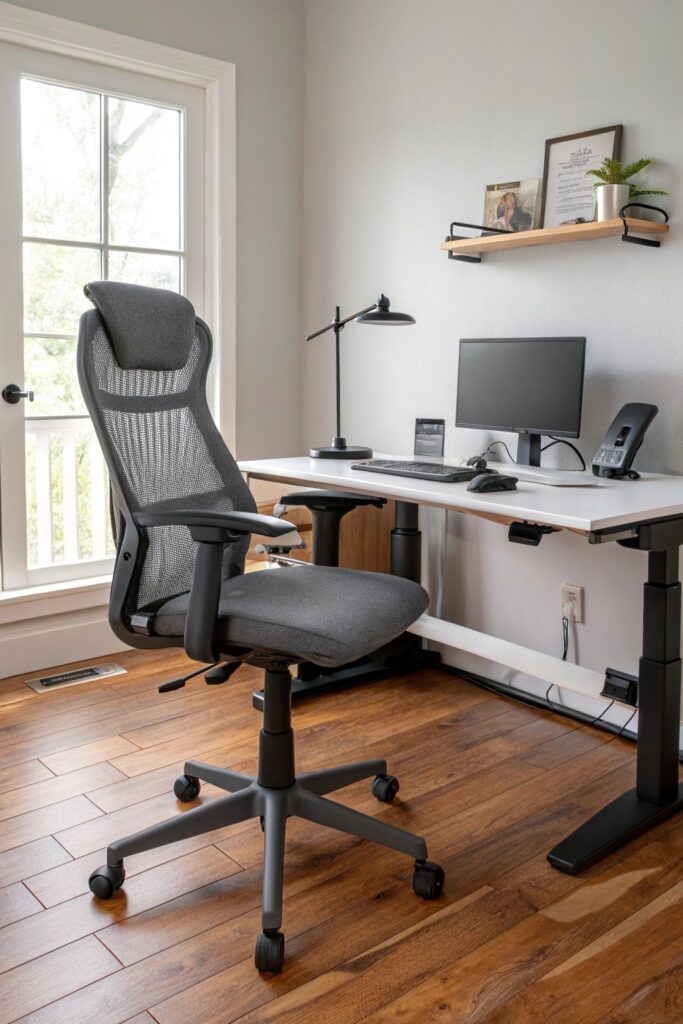
Your chair is not the place to cut corners. Ergonomic seating directly impacts your posture, your energy level, and your ability to stay focused for long stretches — which is pretty much the entire point of a home office.
A quality ergonomic chair supports your lumbar curve, adjusts seat depth, and keeps your hips above your knees when set up correctly. Chairs like the Herman Miller Aeron or Steelcase Leap are the gold standard, but excellent mid-range options exist well under $500.
- Set your seat height so feet rest flat on the floor or a footrest
- Lumbar support should contact the natural curve of your lower back
- Armrests at elbow height prevent shoulder tension during long sessions
Your back will stop hurting. Your focus will improve. This purchase pays for itself faster than almost any other office upgrade.
3. Add a Second Monitor
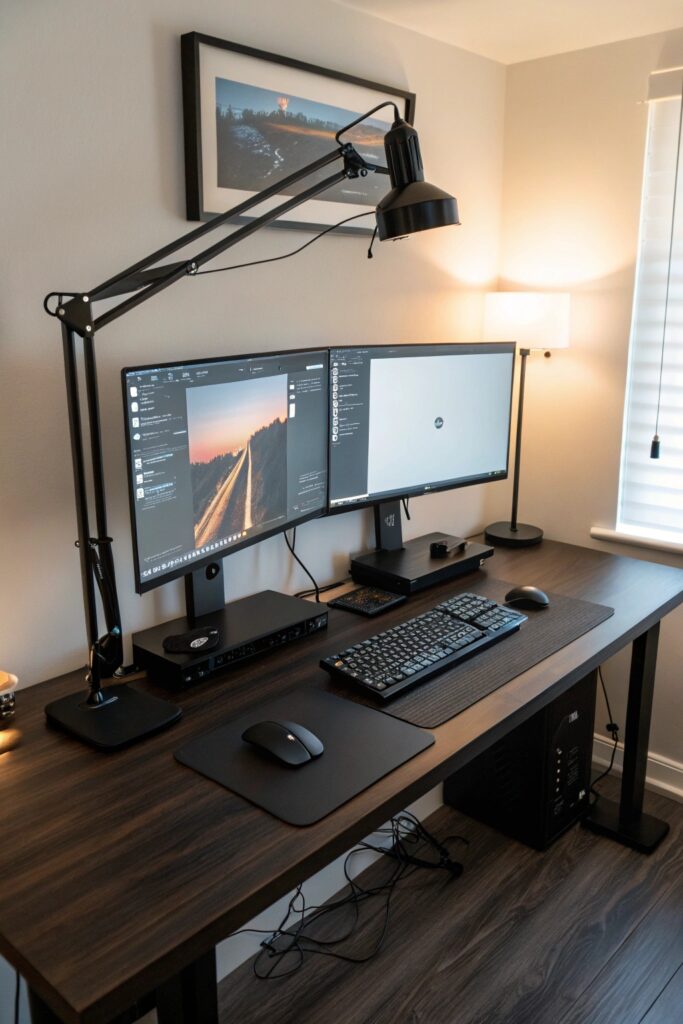
Working on a single screen when you could have two is like cooking in a kitchen with one burner. Technically possible, profoundly frustrating.
A dual monitor setup lets you keep reference material, communication apps, or research on one screen while you work on the other. Studies consistently show that a second monitor improves productivity by 20–30% for knowledge workers — and once you try it, going back feels surprisingly painful :/
- Position the secondary monitor at a slight angle to reduce neck rotation
- Match monitor heights — both screens should sit at eye level
- For tight desks, a vertical secondary monitor works surprisingly well for reading and documents
You don’t need a premium second display. A solid 24-inch 1080p monitor in the $150–$200 range does everything most people need it to do.
4. Build a Dedicated Cable Management System
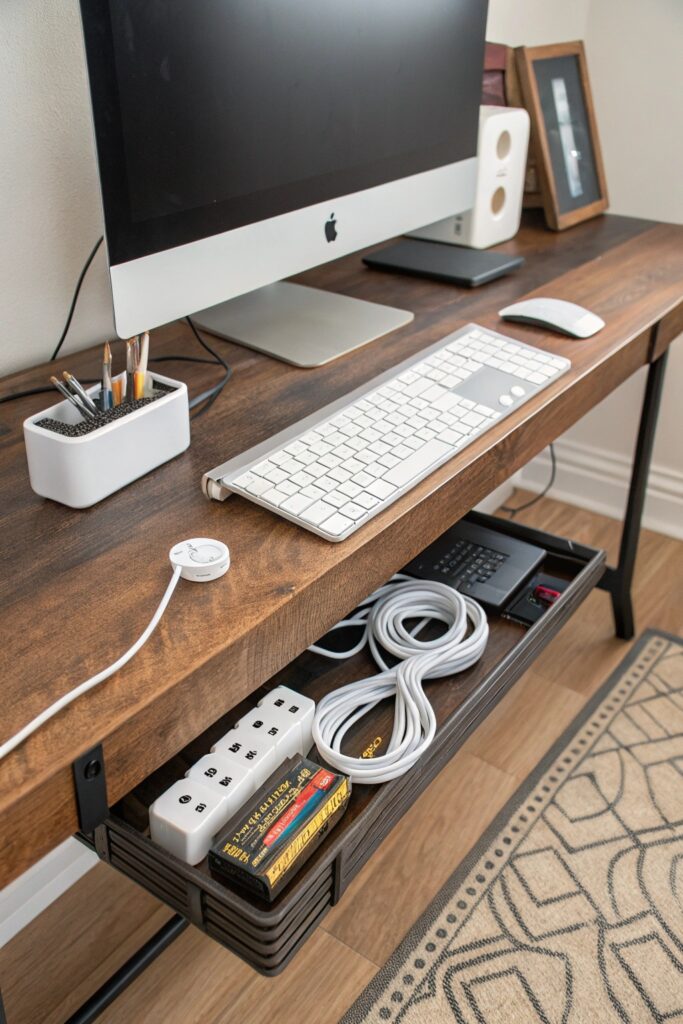
Clutter kills focus — and cable clutter is the worst kind because it actively signals chaos every time you sit down to work.
A cable management system — combining under-desk cable trays, velcro ties, and a power strip mounted to the desk underside — takes an afternoon to set up and permanently eliminates the tangle of cords that drains your mental energy before you’ve typed a single word.
- Under-desk cable trays (J-channel or basket style) keep everything off the floor
- Use velcro cable ties rather than zip ties so you can adjust easily
- A single power strip mounted under the desk reduces visible cords to near zero
FYI, a clean desk surface and a clean cable situation are two different problems. Solve both separately and your workspace will feel noticeably transformed.
5. Use Proper Task Lighting
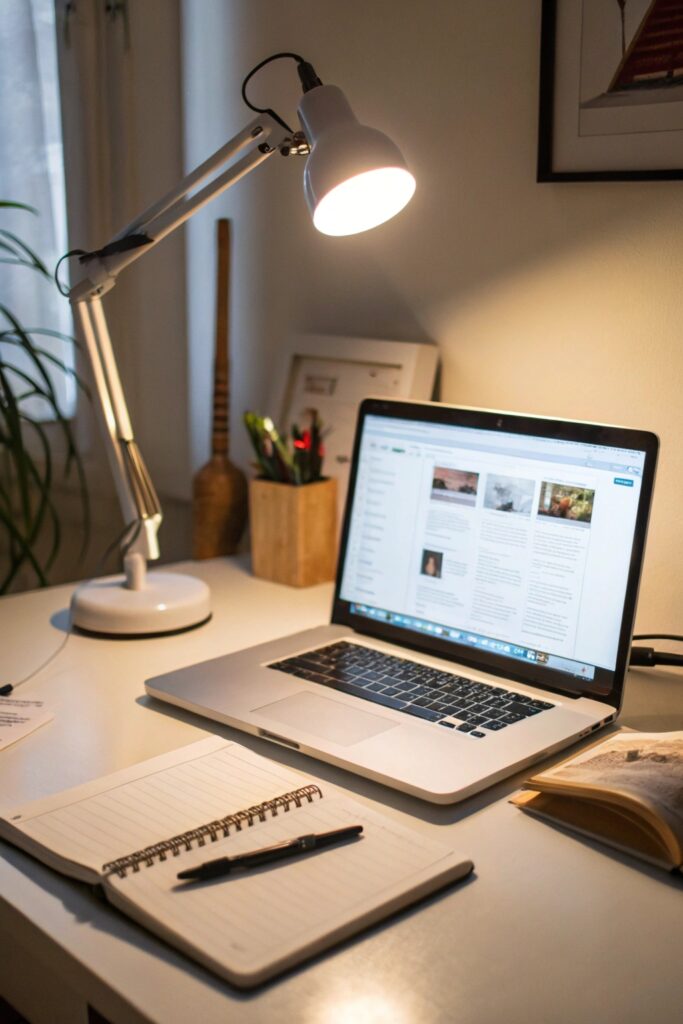
Overhead lighting alone creates shadows, causes eye strain, and makes your workspace feel flat and uninspiring. Task lighting — a dedicated desk lamp positioned correctly — solves all three problems simultaneously.
Position your desk lamp to the left (if you’re right-handed) to eliminate hand shadows while writing. Choose a lamp with adjustable color temperature so you can use cooler light for focus-heavy work and warmer light during creative sessions or late afternoons.
- Look for lamps with CRI (Color Rendering Index) above 90 for accurate, comfortable light
- Adjustable arm lamps give you precise control over angle and direction
- Add a bias light behind your monitor — a strip of LED behind the screen reduces eye strain significantly
Good task lighting is one of those upgrades that costs under $100 and immediately makes you feel more professional every time you sit down.
6. Go Vertical with Wall Shelving
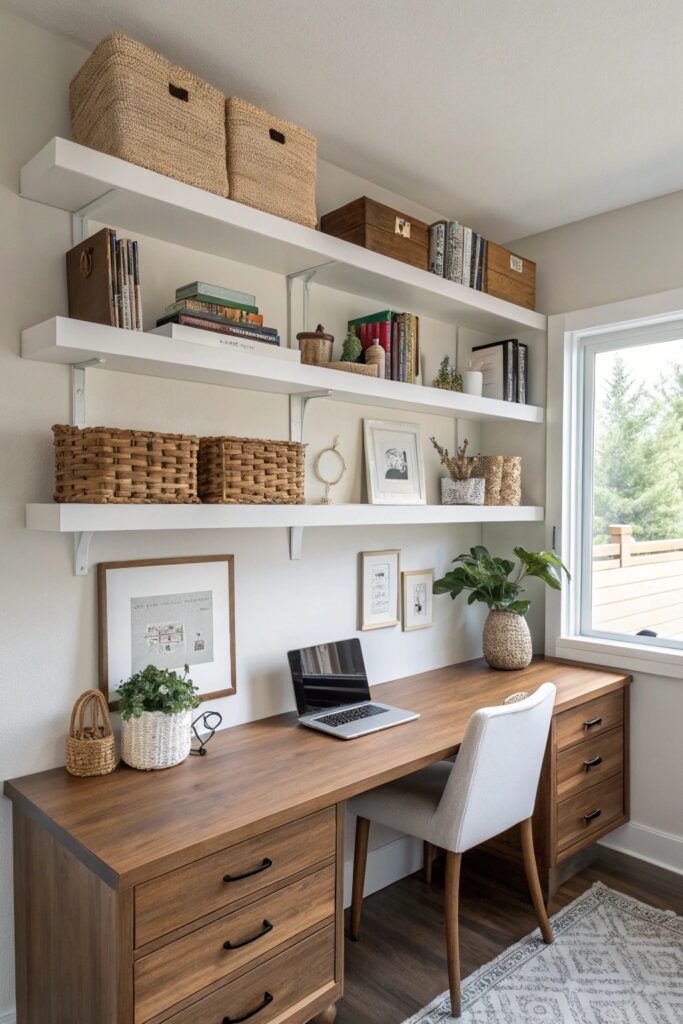
Floor space is premium real estate in most home offices. Vertical wall shelving reclaims that real estate and puts it to work without shrinking your room.
Floating shelves above your desk keep reference books, files, and frequently used items within arm’s reach while keeping your desk surface completely clear. Clear surfaces mean clear thinking — at least that’s what I keep telling myself while I stare at my perfectly organized shelves 🙂
- Install shelves 12–18 inches above monitor height to avoid blocking sightlines
- Use deep shelves (10–12 inches) to store actual working materials rather than just decoration
- Add small bins or baskets on shelves to corral loose items without visual chaos
A well-organized vertical storage system also looks great on video calls, which matters more now than ever. A curated bookshelf background signals competence in a way a blank wall simply doesn’t.
7. Define Your Space with an Area Rug
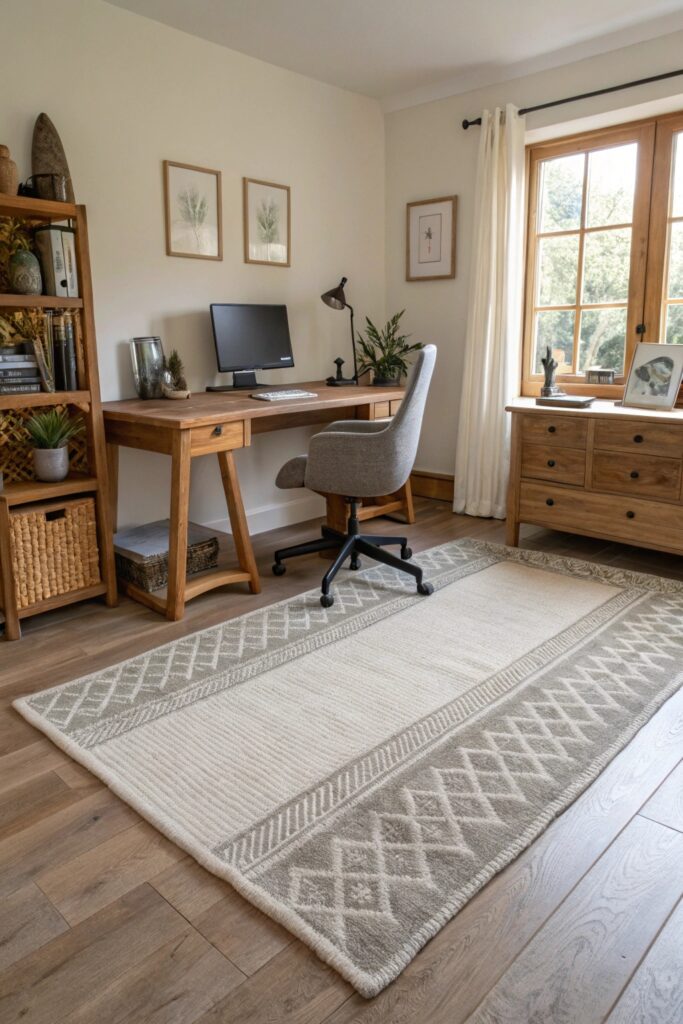
If your home office sits inside a larger room — a bedroom, living room, or open-plan space — an area rug defines the work zone both visually and psychologically.
That boundary matters more than it sounds. When you step onto the rug, your brain registers a shift into work mode. When you step off, the workday ends. This kind of physical spatial cue helps remote workers maintain the mental separation between work and rest that offices used to provide automatically.
- Choose a rug large enough to sit under your desk chair — at least 5×8 feet
- Low-pile rugs work better under rolling desk chairs than plush pile
- Neutral tones in warm grey, cream, or navy keep the space feeling calm and focused
This is one of the cheapest ways to make a home office feel like a dedicated, intentional space rather than a desk awkwardly parked in a living room.
8. Control Noise with Acoustic Panels or Soft Furnishings
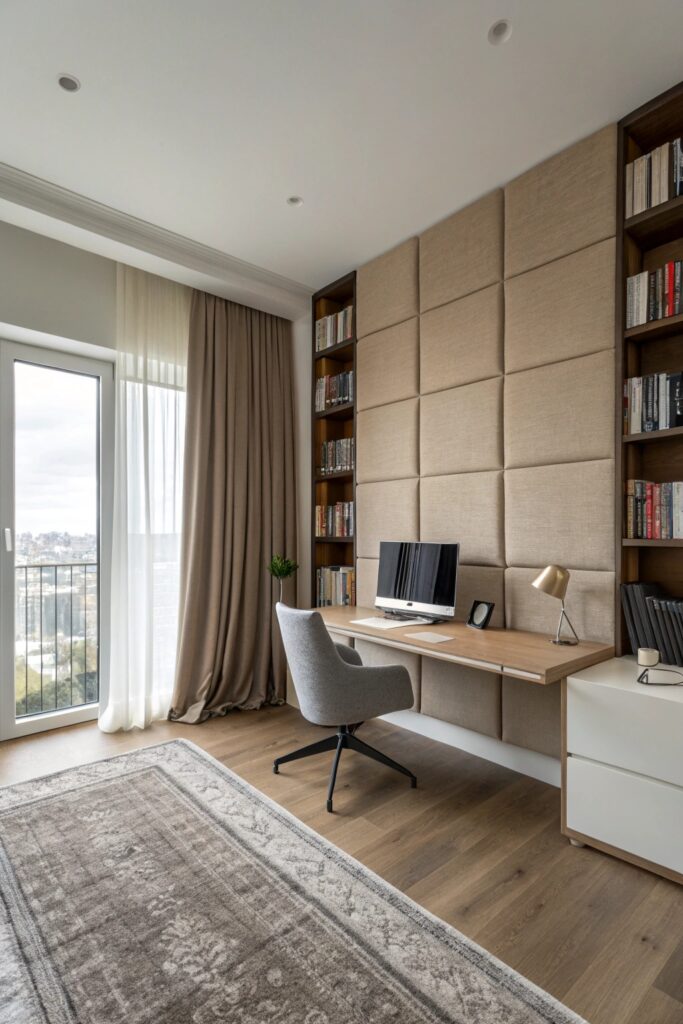
Background noise — whether it’s street traffic, household activity, or your neighbor’s obsession with power tools — kills concentration faster than almost anything else.
Acoustic panels mounted on walls absorb sound and reduce echo, making your space quieter and your video call audio dramatically cleaner. If full acoustic panels feel excessive, heavy curtains, a thick rug, upholstered furniture, and bookshelves filled with books all contribute meaningful sound absorption.
- Fabric acoustic panels in neutral tones blend into the office without looking industrial
- Place panels on the wall behind your monitor for best video call echo reduction
- A white noise machine handles ambient sound that acoustic treatment can’t eliminate
IMO, noise is the most underrated productivity killer in home offices. Solving it — even partially — unlocks a level of focus that feels almost unfair.
9. Add Plants for Focus and Air Quality
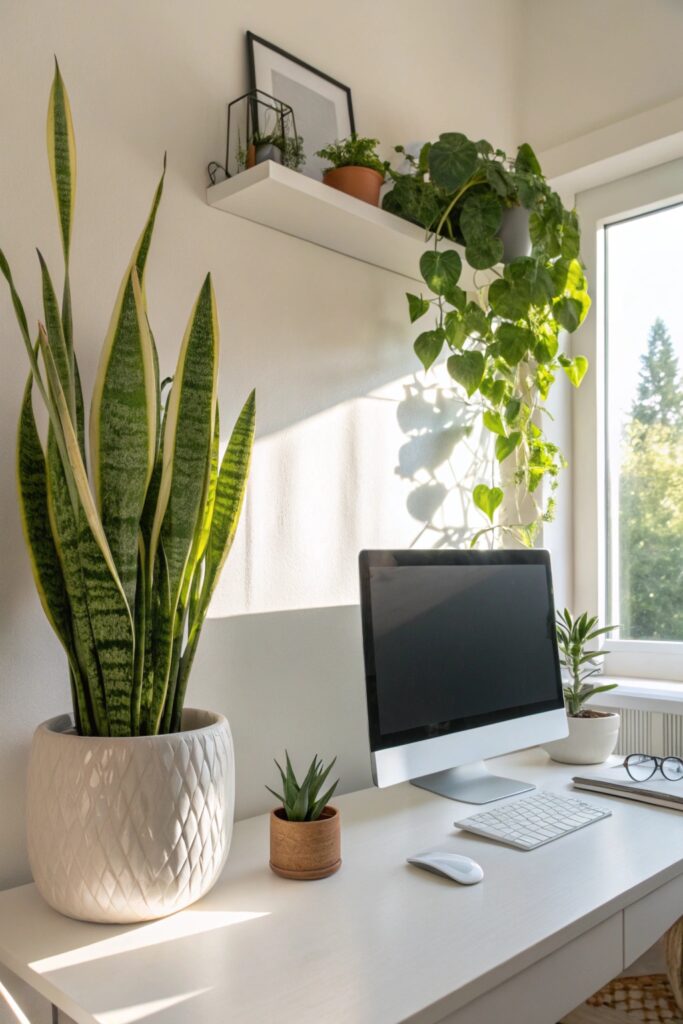
Plants in a home office aren’t just decorative — they actively contribute to better air quality, reduced stress, and improved focus.
Research supports the idea that greenery in a workspace reduces fatigue and improves concentration. Beyond the science, there’s something about caring for a living thing on your desk that adds a sense of calm to an otherwise screen-heavy environment. Pick low-maintenance varieties and you won’t add any stress to your day.
- Pothos and snake plants thrive in low light and require minimal watering
- A small succulent on the desk adds life without taking up meaningful space
- Position a larger plant in the corner to soften the room and reduce the echo slightly
One or two well-placed plants beat a dozen crammed together. Edit ruthlessly — the goal is calm, not a greenhouse.
10. Use a Standing Desk or Converter
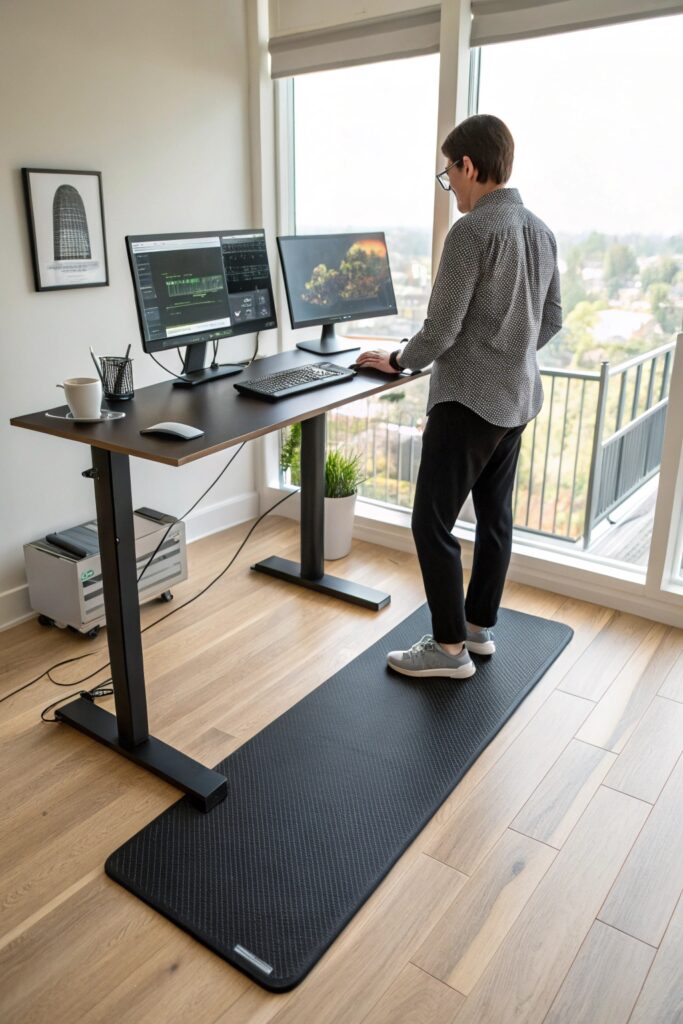
Sitting all day isn’t just uncomfortable — it measurably reduces energy and cognitive sharpness over a full workday. A standing desk — or a converter that raises your existing desk surface — lets you alternate between sitting and standing throughout the day.
Electric height-adjustable desks let you switch positions with a button. If a full standing desk feels like a big commitment, a desktop converter achieves the same posture variety at a fraction of the cost and without replacing your existing desk.
- Alternate 30–45 minutes sitting with 15–20 minutes standing for best results
- Set standing height so elbows rest at 90 degrees with forearms parallel to the floor
- An anti-fatigue mat makes extended standing dramatically more comfortable
The productivity benefit here comes from sustained energy rather than a single focus boost. You’ll notice you feel sharper at 4 PM than you used to.
11. Create a Dedicated “Deep Work” Zone
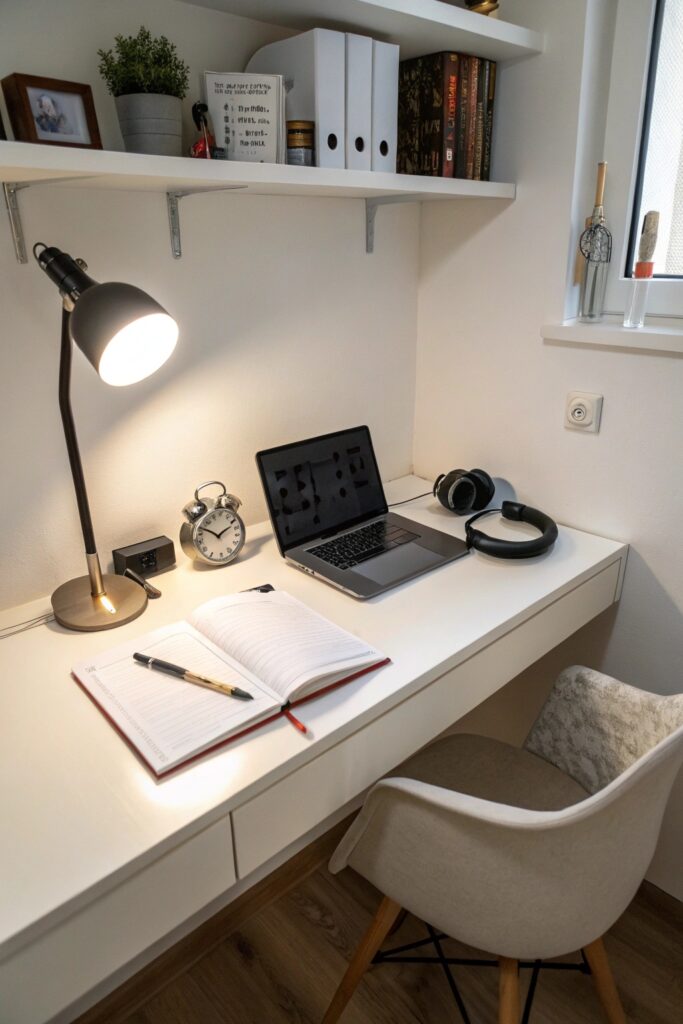
Not all work requires the same environment. Deep work — the concentrated, cognitively demanding tasks that actually move things forward — needs a different setup than email, calls, or routine admin.
If space allows, designate a specific spot in your office for deep work only: no phone, no notifications, no browser tabs beyond what the task requires. Even if it’s just a specific chair facing a specific direction, the ritual of moving to that spot signals your brain to shift into higher gear.
- Use a physical timer (like a Time Timer) rather than a phone timer to stay off your device
- Keep this zone completely clear — nothing on the surface except what you’re working on
- Noise-canceling headphones are the most reliable tool for entering deep work on demand
This idea costs nothing to implement and delivers outsized results. The constraint of a dedicated zone creates the focus that an anything-goes setup rarely achieves.
12. Personalize Without Cluttering
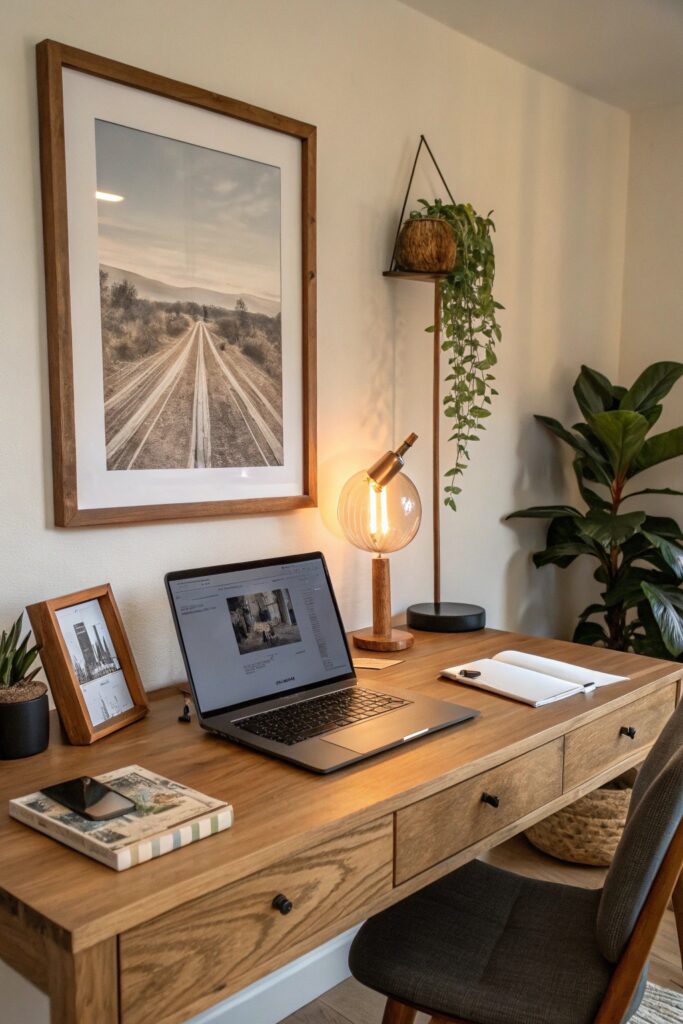
A home office that feels completely sterile and corporate doesn’t inspire great work. But one that looks like a storage unit for every object you’ve ever owned? Also not it.
Strategic personalization — one piece of meaningful art, a framed photo or two, an object that inspires you — makes the space feel human without creating visual noise. The goal is a workspace that energizes you without distracting you, which requires editing as much as it requires adding.
- Limit desk surface decor to three intentional objects maximum
- Choose one piece of wall art that you truly love rather than several that merely fill space
- Rotate seasonal items — a small pumpkin in fall, a plant cutting in spring — to keep the space feeling fresh
Your office should feel like yours without looking like a museum of everything you’ve ever collected. Restraint here is a design skill worth developing.
Your Workspace, Your Output
A productive home office doesn’t happen by accident. It happens through intentional choices about light, ergonomics, storage, sound, and the physical signals that tell your brain it’s time to work. Every idea on this list serves that single goal in a different way.
Start with your biggest friction point — the thing that most disrupts your focus day to day — and solve that first. Then work through the list methodically. You don’t need to overhaul everything at once.
Build a space that works as hard as you do, and watch what happens to your output. The investment pays off faster than you’d expect — and your future self will absolutely thank you for it.