
A TV in a small living room works best when it’s integrated into the room’s overall layout rather than treated as a separate obstacle, and most of the effective solutions come down to reducing the setup’s physical and visual footprint.
Below are 10 ways to fit a TV into a small living room without it taking over the space, with real costs and practical notes for each.
1. Mount the TV to Save Floor Space
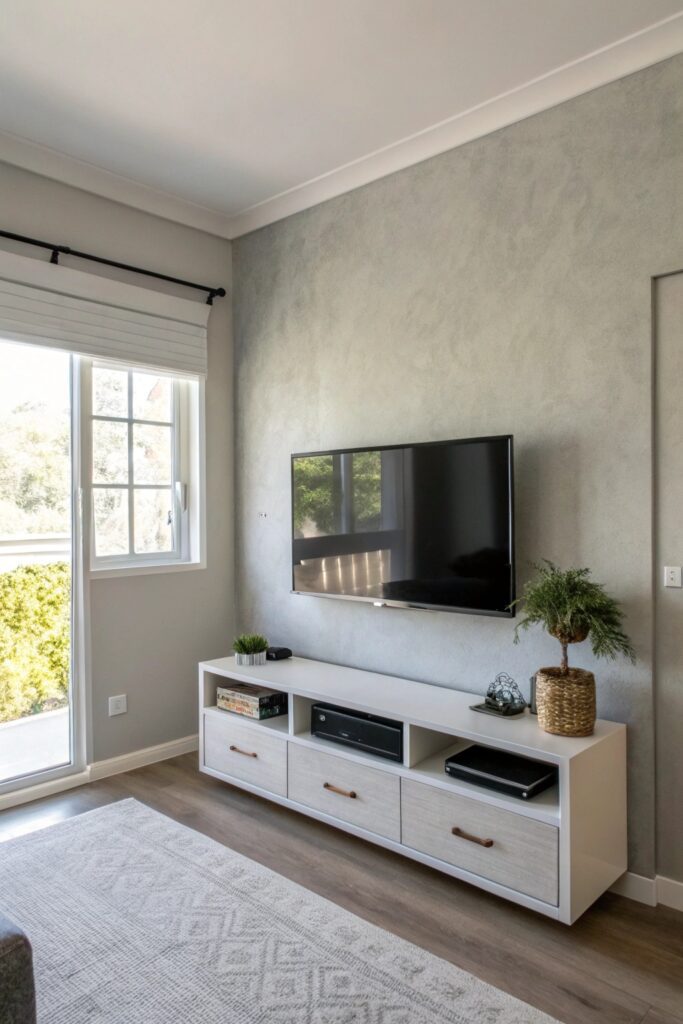
Wall-mounting a TV ($30-80 for a basic fixed mount, $100-200 for a full-motion mount) eliminates the need for a stand’s footprint entirely, which is one of the highest-impact space-saving changes available in a small room.
Confirm the wall has adequate stud support or use appropriate anchors rated for the TV’s weight, since mounting hardware failure is a genuine safety concern worth taking seriously rather than an afterthought.
2. Choose a Slim Media Console
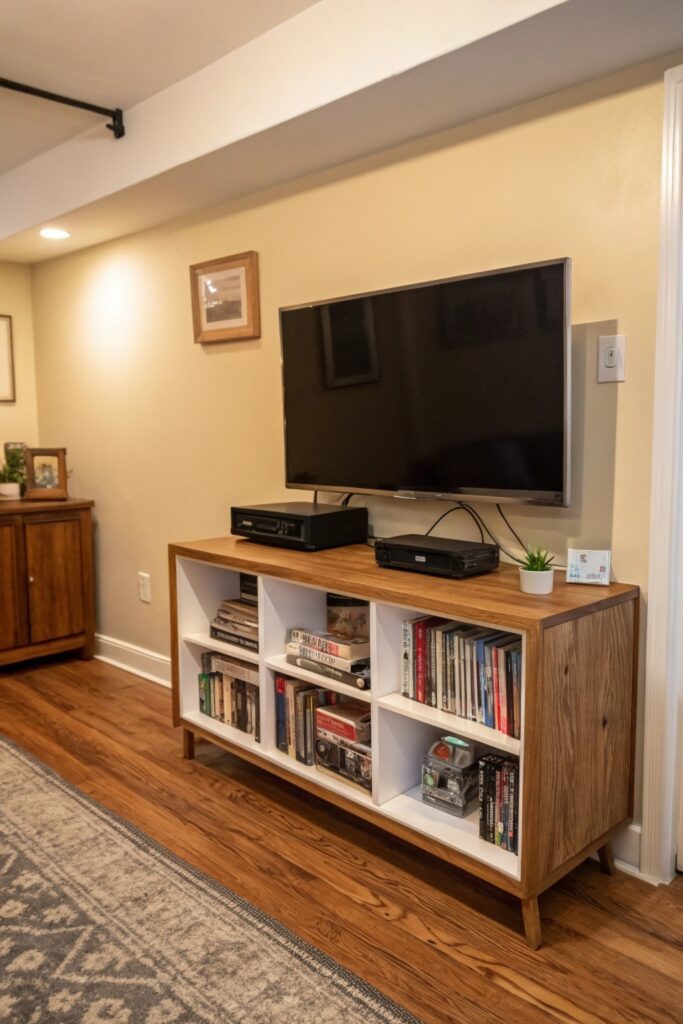
A console with a shallow depth (12-16 inches rather than the standard 18-20) takes up meaningfully less floor space while still providing storage for media equipment and accessories.
Look specifically for consoles marketed for apartments or small spaces, which are more likely to have been designed with this shallower depth in mind rather than simply being a shorter version of a standard console.
3. Use a Corner TV Stand
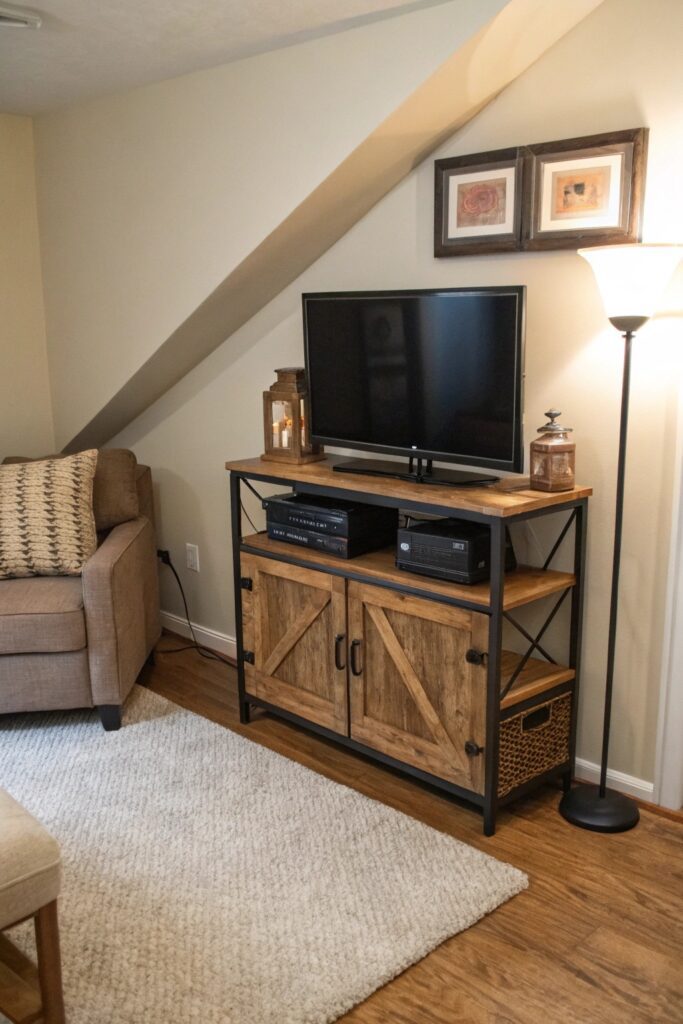
A stand designed specifically for corner placement uses floor space that’s often left entirely empty in a small room’s layout, rather than competing for the same wall space as seating or other furniture.
This positioning also frequently improves sightlines from multiple seating angles in an oddly shaped or narrow room, compared to a TV centered on a single flat wall.
4. Go for a Floating Shelf Setup
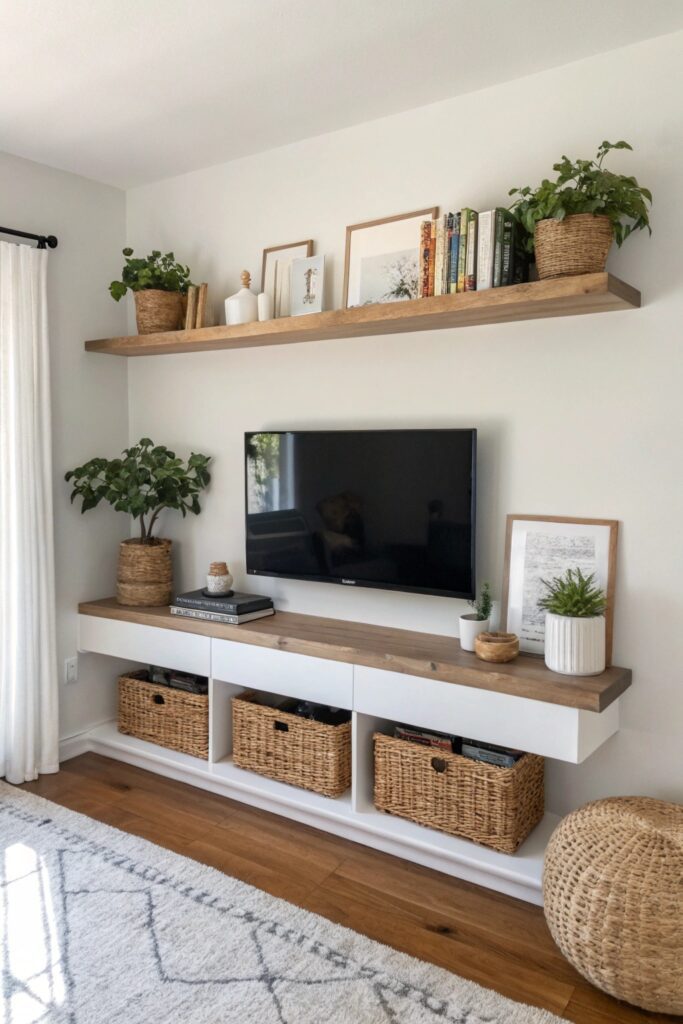
Floating shelves ($15-40 each) below a mounted TV provide display and storage space without the visual bulk of a full console, keeping the wall’s overall footprint minimal.
This setup also allows more flexible styling than a fixed console, since shelf spacing and arrangement can be adjusted or restyled without replacing an entire furniture piece.
5. Hide Cables Like a Pro
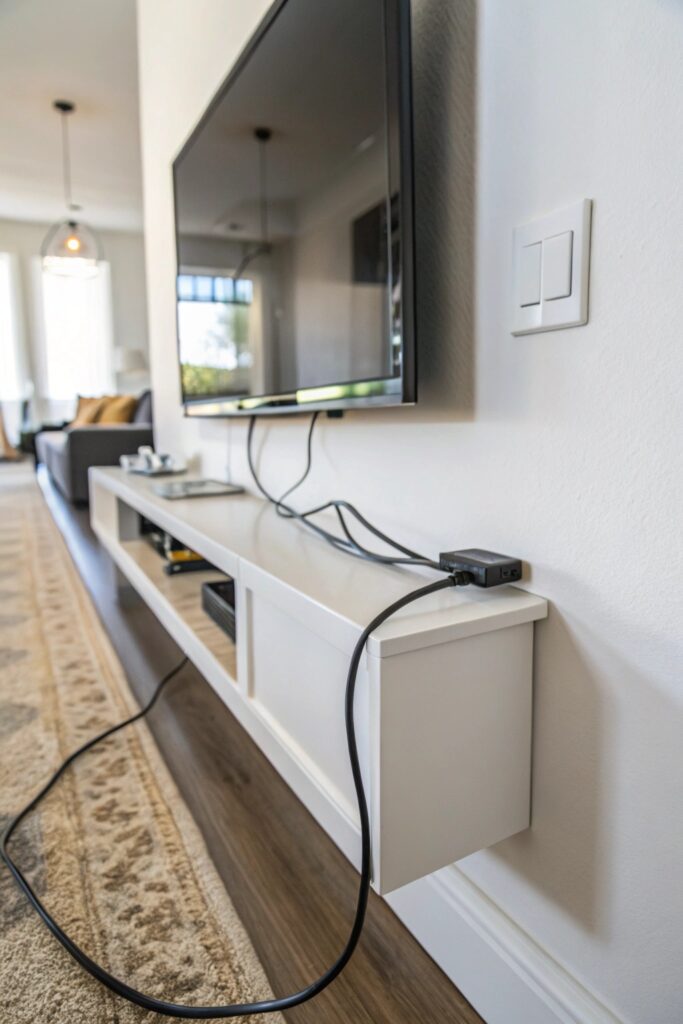
A cable management kit or in-wall cable channel ($15-40) keeps cords from visually cluttering the space beneath or around a mounted TV, which matters more in a small room where any visual clutter is proportionally more noticeable.
In-wall cable concealment kits specifically route cords through the wall itself for a fully finished look, though this requires more installation effort than a simple surface-mounted cord cover.
6. Create a Multi-Functional TV Wall
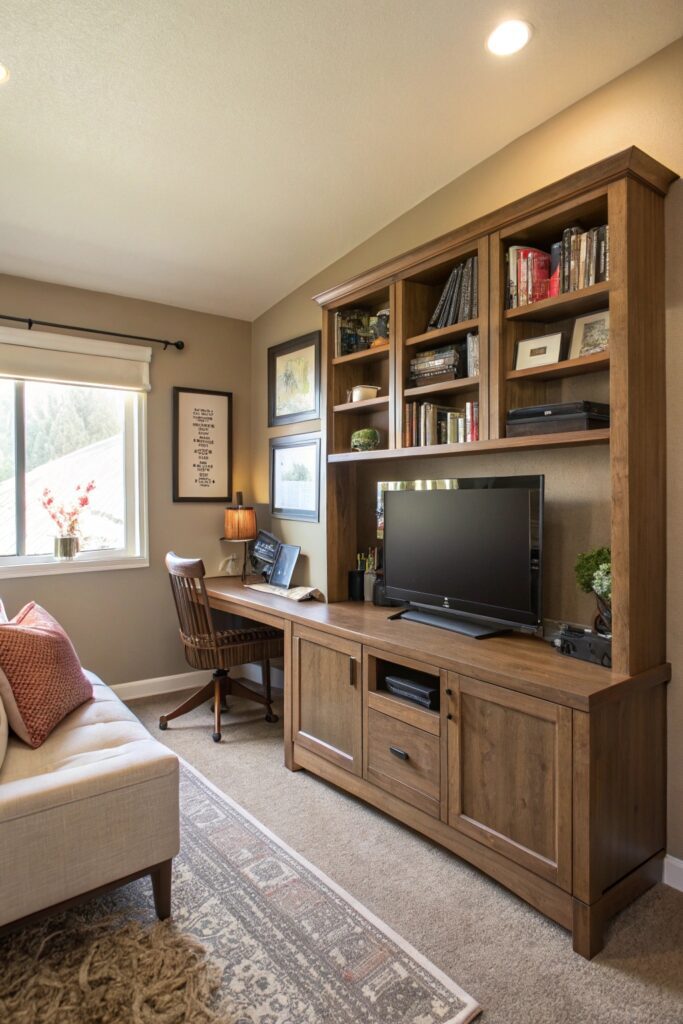
Combining the TV with shelving, art, and storage on a single dedicated wall consolidates several functions into one footprint, which is more space-efficient than spreading media, storage, and display needs across multiple furniture pieces.
This approach also creates a genuine focal point for the room, since the wall becomes an intentional design feature rather than just a spot where the TV happens to be.
7. Use a TV Stand with Storage Baskets
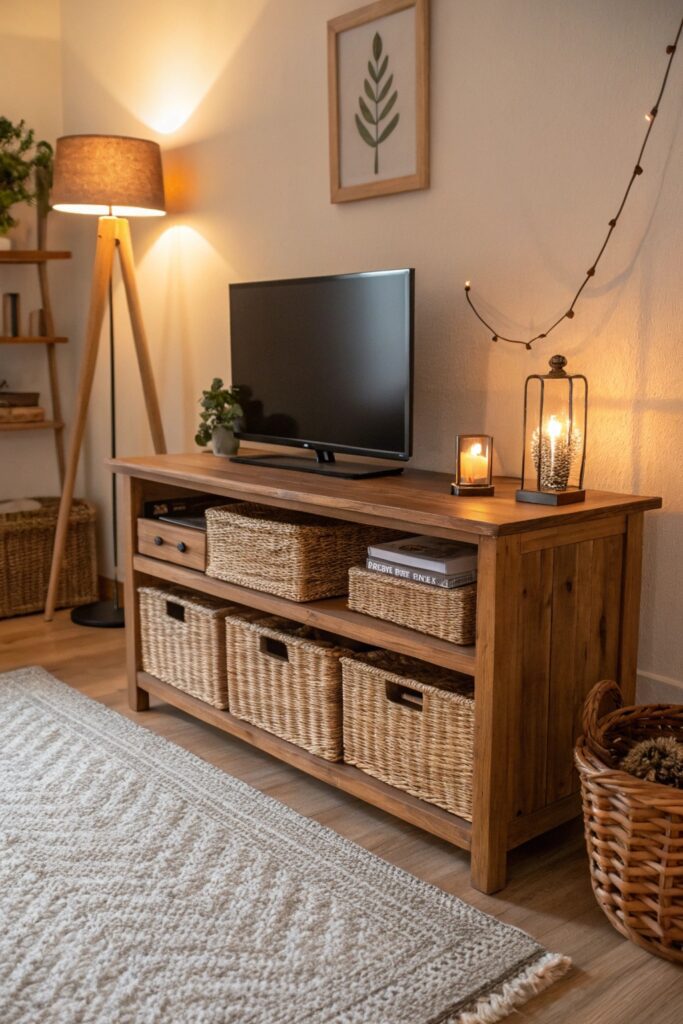
Woven baskets ($15-30 each) in an open-shelf TV stand hide remotes, cables, and small clutter while adding genuine texture, achieving both organization and styling in the same footprint.
This is a lower-cost alternative to a stand with built-in closed cabinets, and it’s easier to adjust or add to over time as storage needs change.
8. Position the TV Diagonally in a Small Room
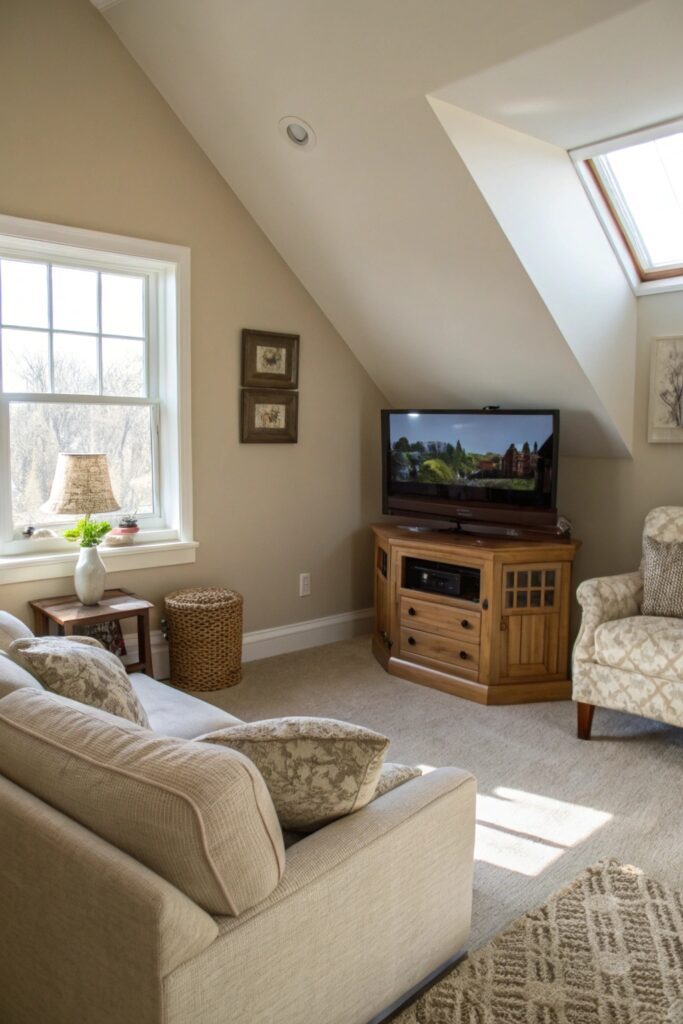
Angling the TV across a corner (with an appropriate corner stand or mount) can improve viewing angles from a room’s actual seating arrangement, particularly in rooms where the seating itself isn’t positioned squarely opposite a flat wall.
This positioning is worth testing before committing to a permanent mount, since the ideal angle depends heavily on where seating is actually placed relative to the room’s specific layout.
9. Add a Swivel TV Mount for Flexibility
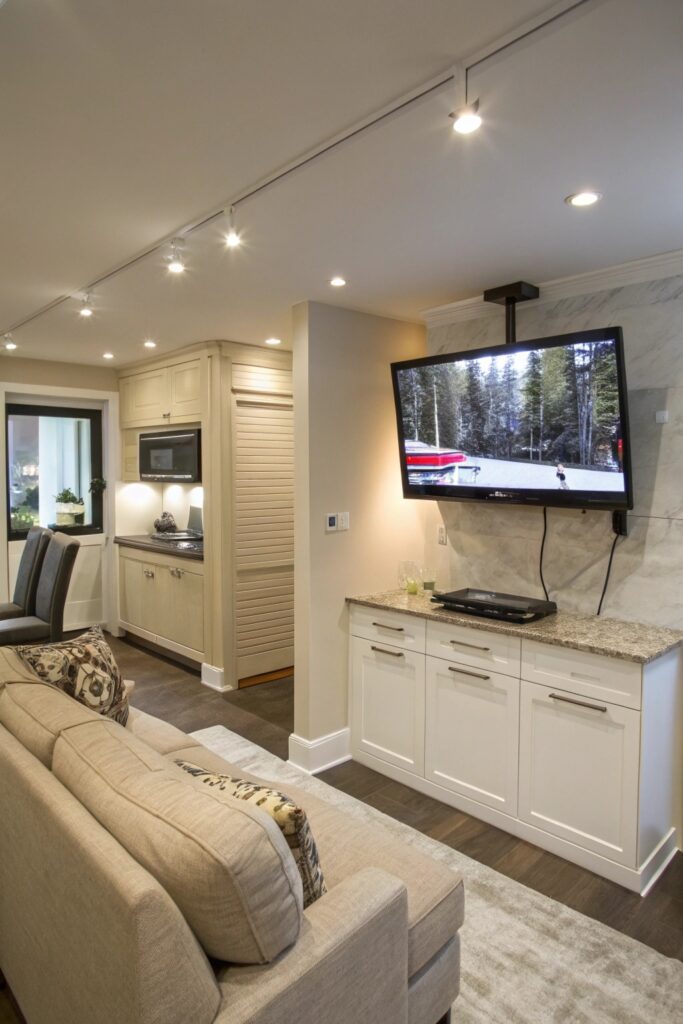
A swivel or articulating mount ($60-150) lets the TV angle toward different seating positions, which is particularly useful in a small room where furniture arrangement sometimes needs to change for different uses.
This flexibility also helps in oddly shaped rooms where a single fixed viewing angle doesn’t serve every seat in the room equally well.
10. Keep the Color Palette Light and Neutral
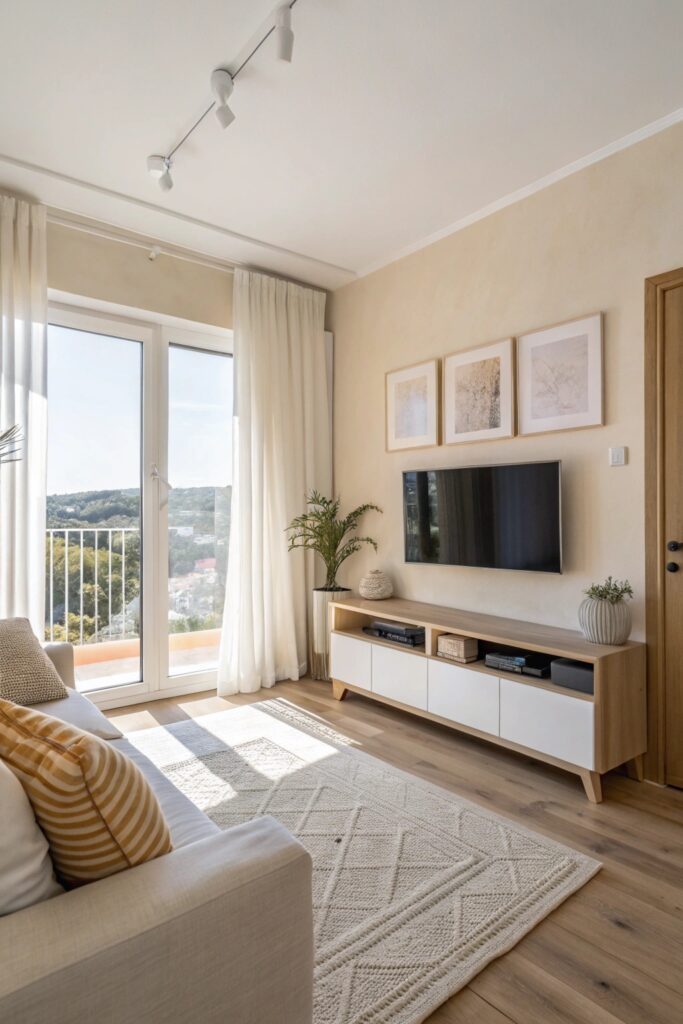
A lighter wall color and console finish around the TV area helps the setup recede visually rather than dominating the room, which matters since a large black screen against a dark wall can feel especially heavy in a small space.
This doesn’t mean the TV wall needs to be plain — light neutral tones still allow texture and subtle pattern while keeping the overall visual weight lower than a darker palette would.
Finding the Right Viewing Height and Distance
A common mounting mistake is placing the TV too high, which forces an uncomfortable upward viewing angle from typical seating — the center of the screen should generally sit at or slightly below eye level when seated, which in most living rooms works out to roughly 42-48 inches from the floor depending on ceiling height and seat height.
Viewing distance matters just as much as height in a small room specifically, since seating is often necessarily closer to the screen than manufacturer recommendations assume — a general guideline is a distance of roughly 1.5 times the screen’s diagonal size, though personal preference and the specific room’s layout may call for adjusting that ratio.
Final Thoughts
Wall-mounting and cable management matter most if you’re prioritizing only a couple of these changes, since both directly reduce the setup’s physical footprint and visual clutter more than any single furniture choice. A slim console or corner placement is worth considering next if wall-mounting isn’t an option in your specific space.