
A home office needs to balance real coziness with the practical demands of actually working there — screen glare, cable management, and real clearance space matter as much as the aesthetic direction. The details below cover both the styling approach and these practical specifics for each setup.
Below are 12 home office setups worth considering, with the specifics for each.
1. Minimalist Cozy Workspace
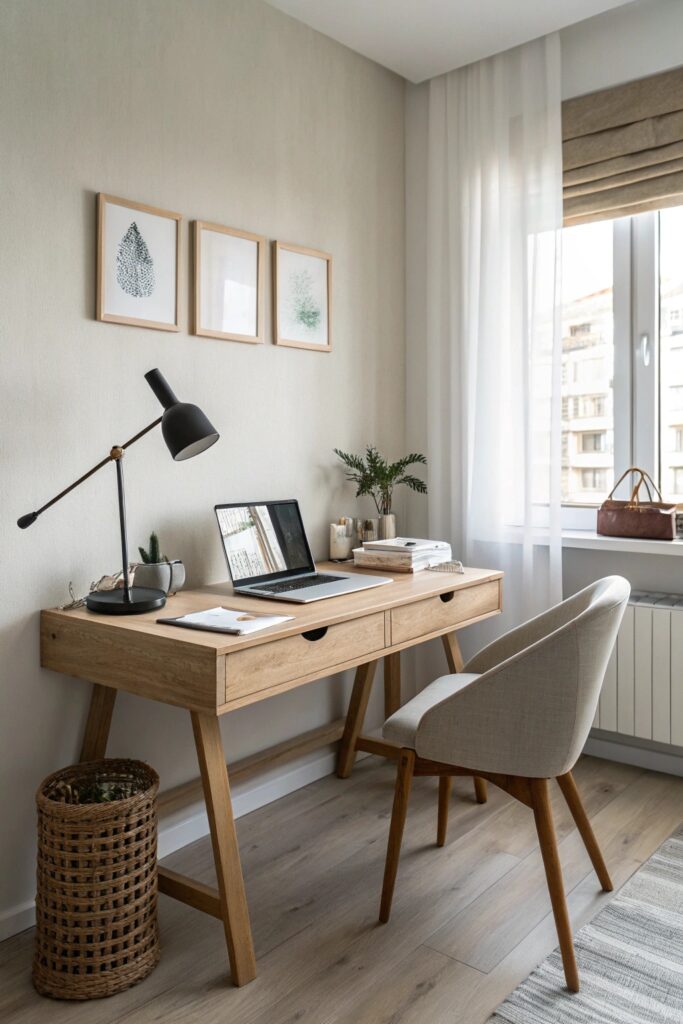
A minimalist setup still needs adequate task lighting positioned to avoid screen glare, since a sparse room with fewer surfaces to bounce light around can end up dimmer than expected without a dedicated desk lamp.
2. Warm Wood & Natural Textures Setup
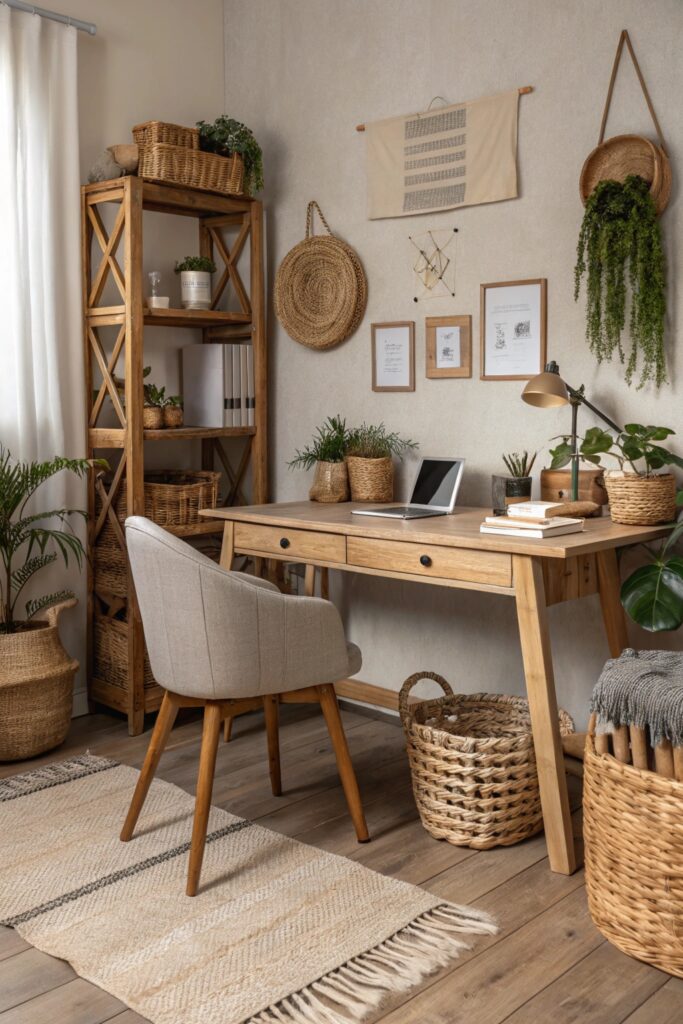
Mixing wood tones works best when the different pieces share a similar undertone, the same principle that applies to wood pairing in any other room, avoiding a warm honey desk clashing against a cooler gray-toned shelf.
3. Window-Facing Desk Setup
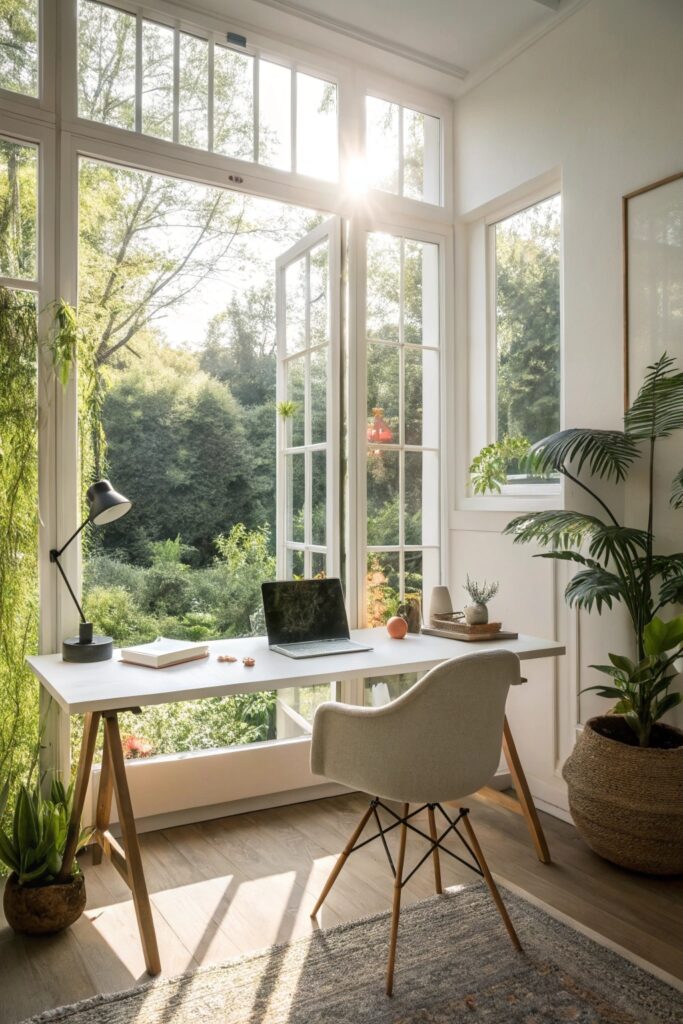
Position the monitor perpendicular to the window rather than directly facing it, since a screen facing a bright window creates glare that’s notably hard to see past during video calls or focused work.
4. Soft Lighting & Ambient Glow Setup
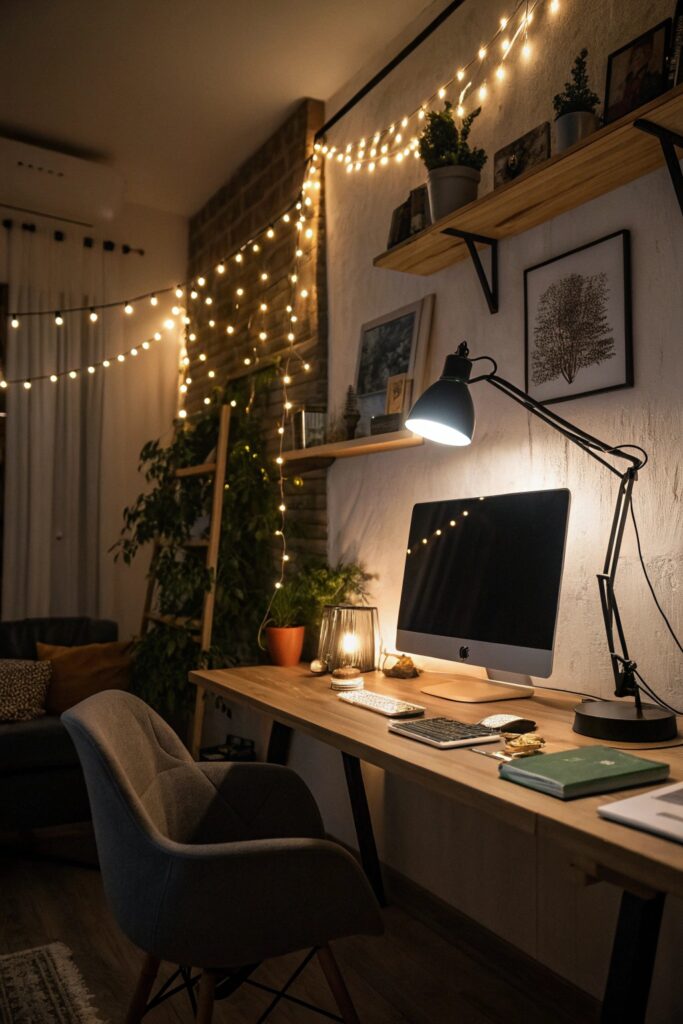
Layering a warm-toned desk lamp with dimmable overhead lighting lets you adjust brightness through the day, since the light needed for an early morning video call differs considerably from what’s comfortable during an evening work session.
5. Compact Corner Office Setup
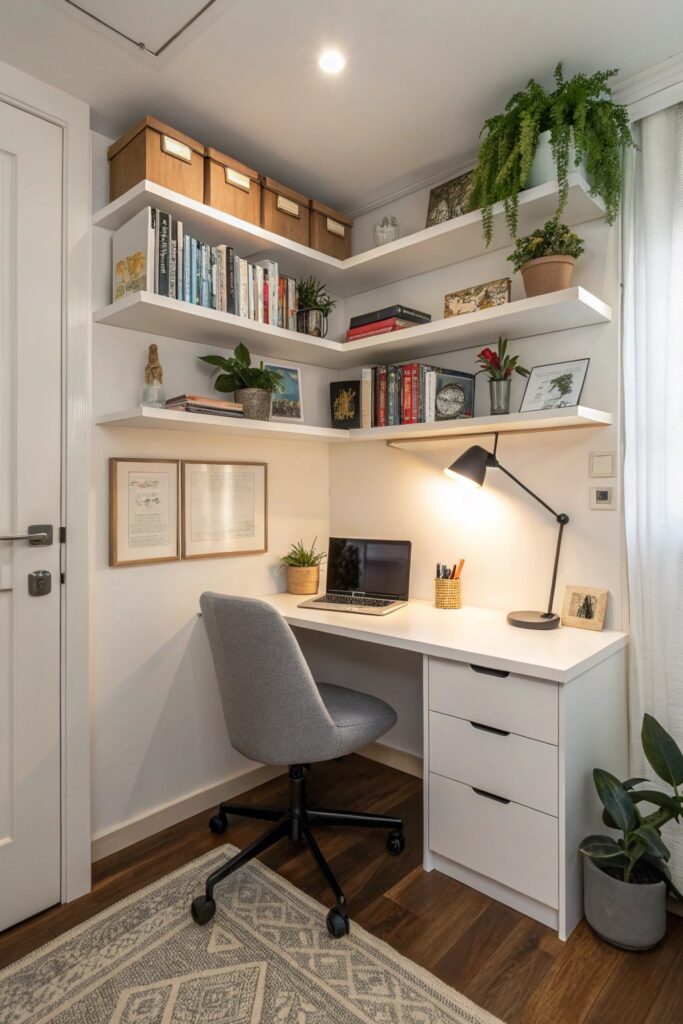
A corner desk needs at least 30 inches of clearance behind the chair for comfortable movement, a real space requirement that’s easy to underestimate when working from a floor plan rather than the room itself.
6. Cozy Boho Office Setup
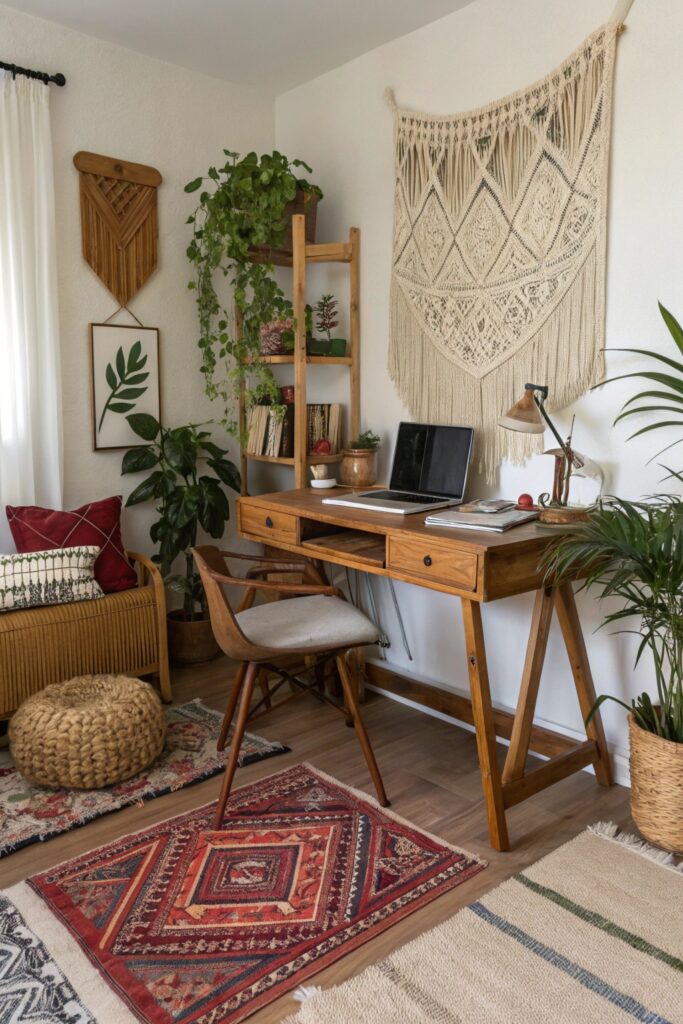
Woven baskets and rattan accents in this style should be sealed or treated if the office sees any humidity, the same durability consideration that applies to natural fiber pieces in any other room.
7. Dual Monitor Productivity Setup
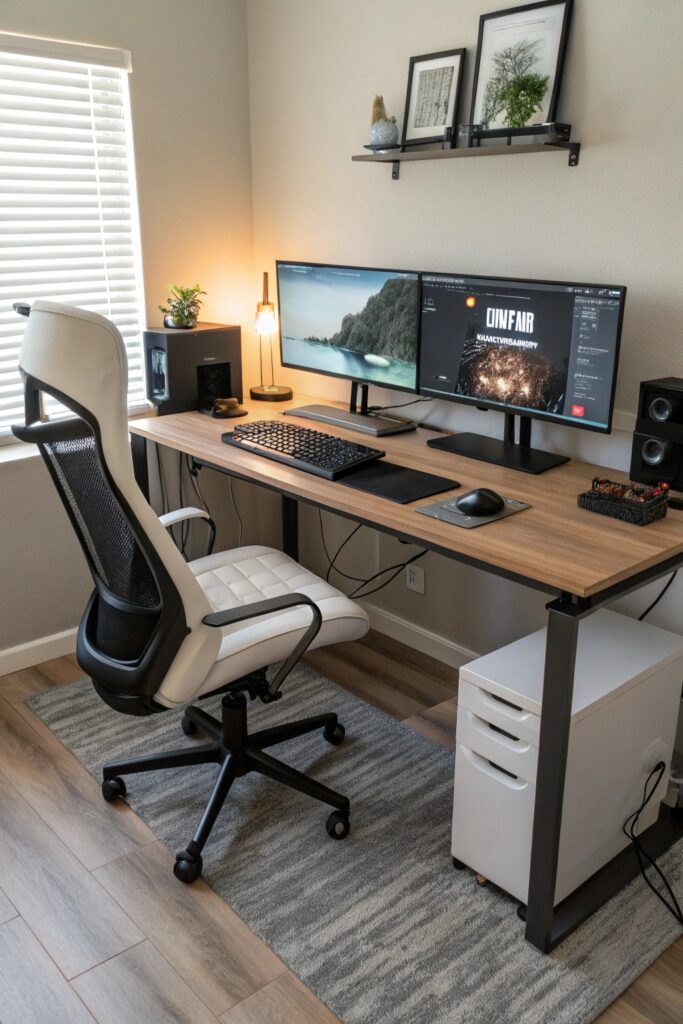
Position both monitors at the same height and distance from your eyes, with the top of each screen roughly at eye level, to avoid the neck strain that comes from repeatedly looking up, down, or at an angle between two mismatched screens.
8. Built-In Storage Office Setup
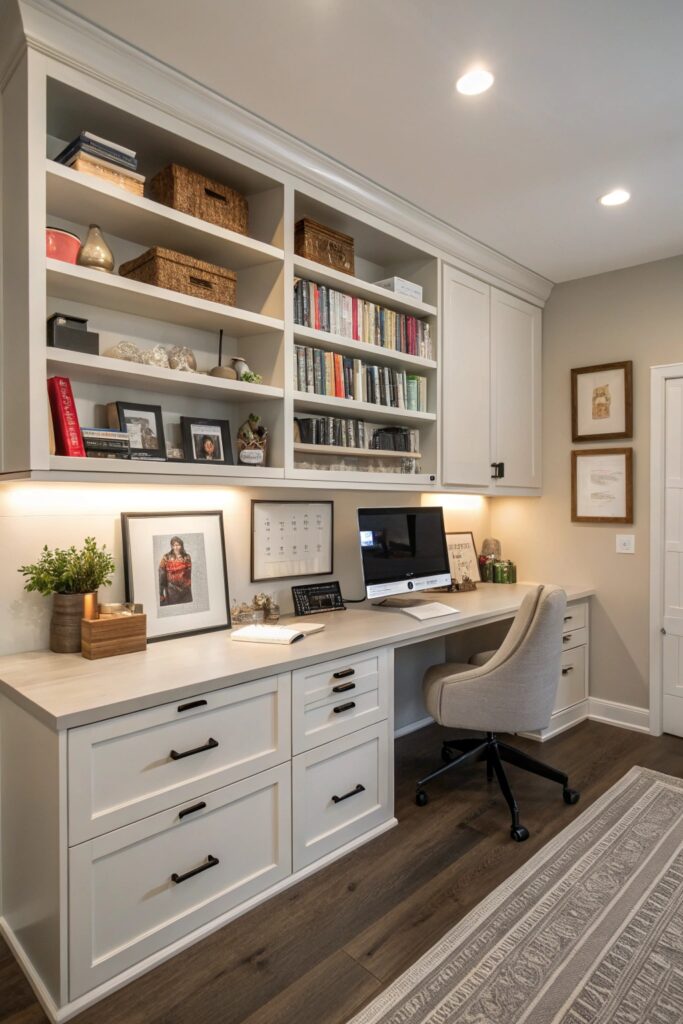
Built-in shelving holding books or files needs the same weight-rated anchoring as open shelving anywhere else in the house, since paper and books add up to real weight faster than people typically expect.
9. Scandinavian Cozy Setup
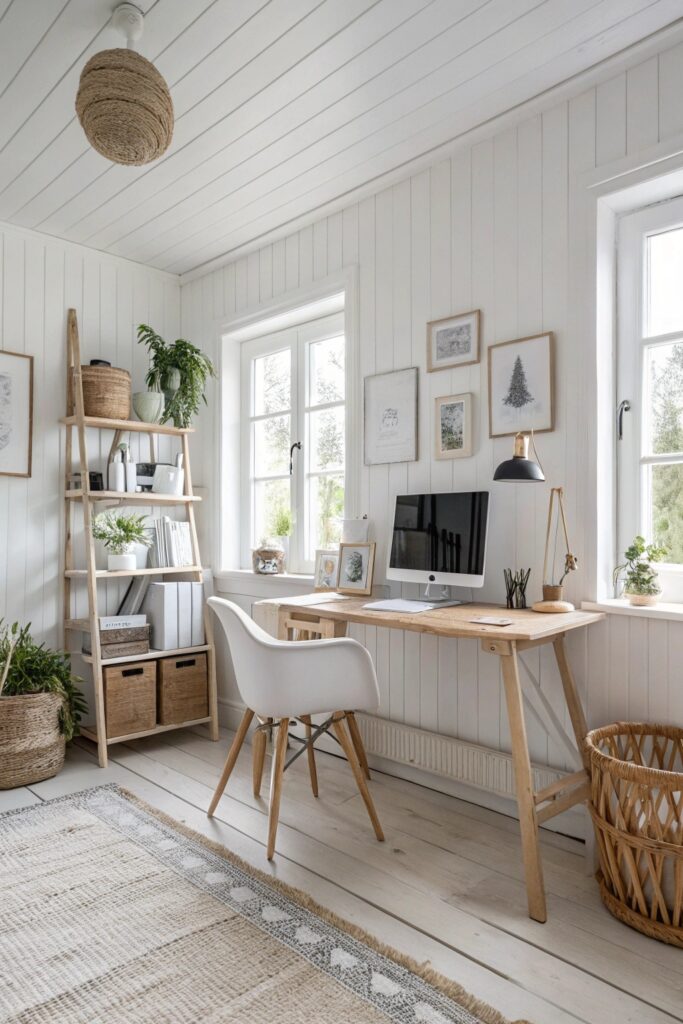
A higher light reflectance value palette bounces available light around the room more effectively, which matters in an office that often relies on a single window or overhead fixture rather than multiple light sources.
10. Personal Touch Workspace
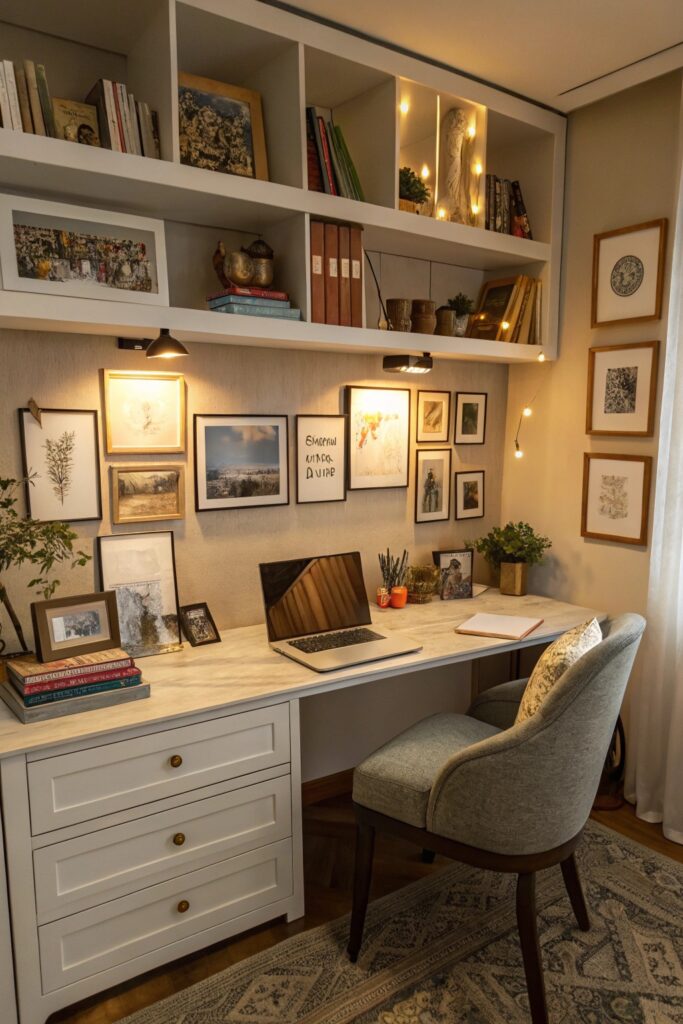
Framed photos or artwork hung above a desk should use secure, wall-appropriate anchors rather than adhesive strips alone, since these pieces sit close to where you’re working and a fall risks both damage and a real distraction during calls.
11. Multi-Functional Office Setup
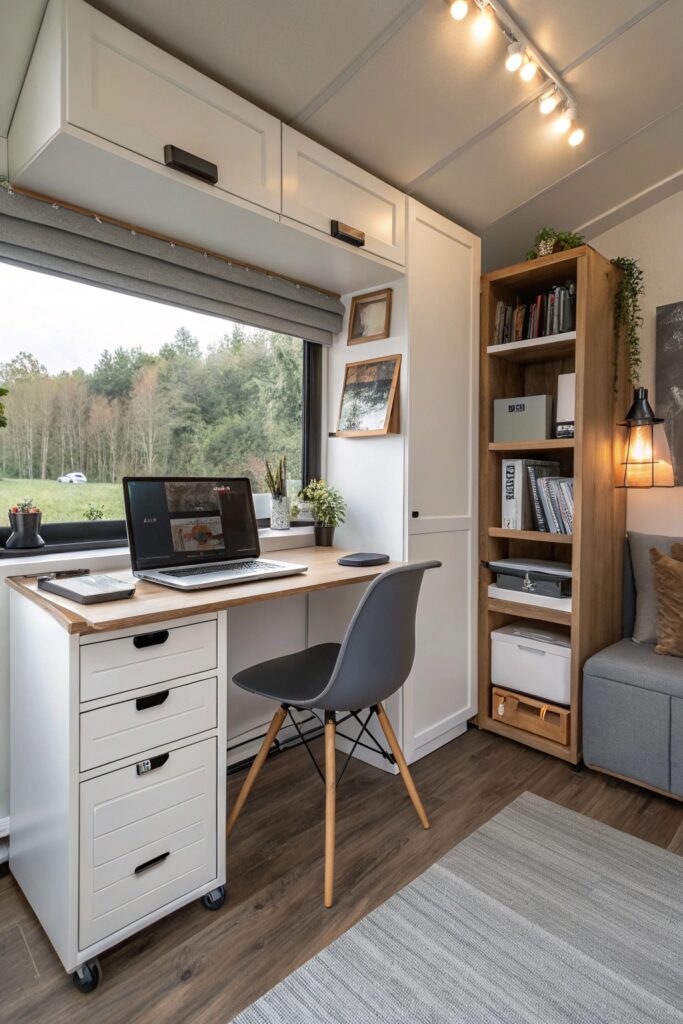
A desk that converts to another use, like a fold-down surface doubling as a guest room nightstand, needs hardware rated for repeated daily folding rather than a mechanism designed for occasional use.
12. Green & Plant-Filled Office Setup
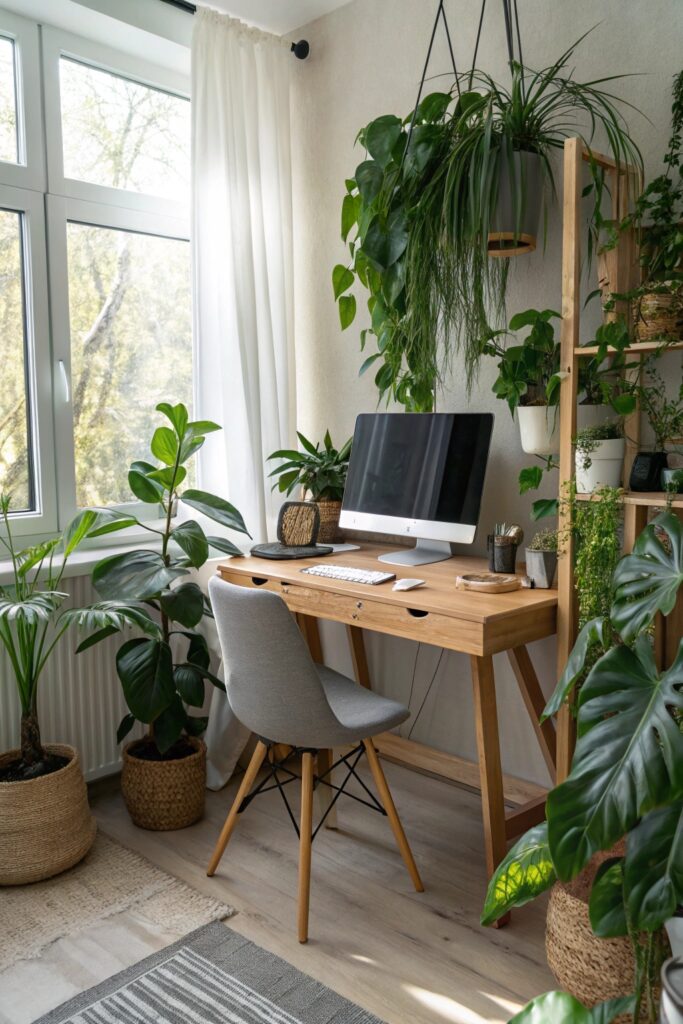
Choose low-light-tolerant varieties if your office doesn’t get much natural light, since a plant that needs bright, direct sun will decline in a typical office setup regardless of how well it fits the aesthetic.
Ergonomics Matter More Than People Expect
A desk and chair combination that puts your elbows at roughly a 90-degree angle when typing, with your feet flat on the floor or a footrest, prevents the wrist and shoulder strain that builds up gradually over months of daily use in a poorly set up workspace.
Monitor height matters just as much — the top of the screen should sit at or slightly below eye level, since looking down at a laptop screen for hours a day is a common source of neck discomfort that a simple laptop stand or monitor riser can address.
What a Home Office Setup Costs
A basic setup using existing furniture with new lighting and a few decor pieces typically costs $150 to $500 depending on material quality.
A fuller setup including an ergonomic desk, chair, and dual monitors runs considerably higher, often $1,500 to $4,000 or more depending on the equipment chosen.
Managing Cables Without Losing the Cozy Feel
A tangle of visible cables undercuts even the most carefully styled office, so routing cords through a cable sleeve or along the underside of the desk keeps the workspace looking as intentional as the rest of the room.
A power strip mounted underneath the desk, rather than sitting on the floor or visible on the desktop, reduces both visual clutter and the tripping hazard a floor-level strip can create in a smaller room.
Sound Considerations for Video Calls
Hard surfaces like exposed wood floors and bare walls create more echo during video calls than a room with soft furnishings, so a rug, curtains, or even a few extra throw pillows can noticeably improve how you sound to people on the other end.
Positioning the desk away from a hallway or shared living space, where household noise is more likely to carry, matters more for anyone taking frequent calls than it does for someone doing mostly heads-down work.
A dedicated office space, even a small one, tends to support a clearer mental separation between work and home life than working from a kitchen table or couch, which many remote workers find meaningfully improves their focus and helps them mentally clock out at the end of the day.
Whichever setup you’re drawn to, testing furniture placement and lighting in the actual room before finalizing every detail helps confirm the space works as well functionally as it looks in inspiration photos.
Small, low-cost updates like better lighting and a comfortable chair often make a bigger difference in how enjoyable a workday feels than a full room renovation would, which is worth keeping in mind if budget or timeline are more limited than you’d like for this particular project.
A well-designed home office ultimately pays for itself in improved daily comfort, which is worth remembering when weighing the upfront cost against years of regular use.
Conclusion
Testing your setup by working a full day in it before finalizing decor choices reveals problems no amount of styling consideration catches from a quick walkthrough — screen glare at a certain hour, an uncomfortable chair, or lighting that’s hard to adjust are all things you only notice by actually using the space.
Whichever style you choose, a home office that balances true comfort with practical functionality tends to support focused work better than one designed purely around how it photographs.