
A home office aesthetic works best when it supports actual focus and productivity, not just how the room photographs. The details below cover the practical side of each style choice — lighting levels, ergonomic measurements, acoustic considerations — alongside the visual direction.
Below are 12 approaches worth considering, with the specific details for each.
1. Minimalist Monochrome Workspace
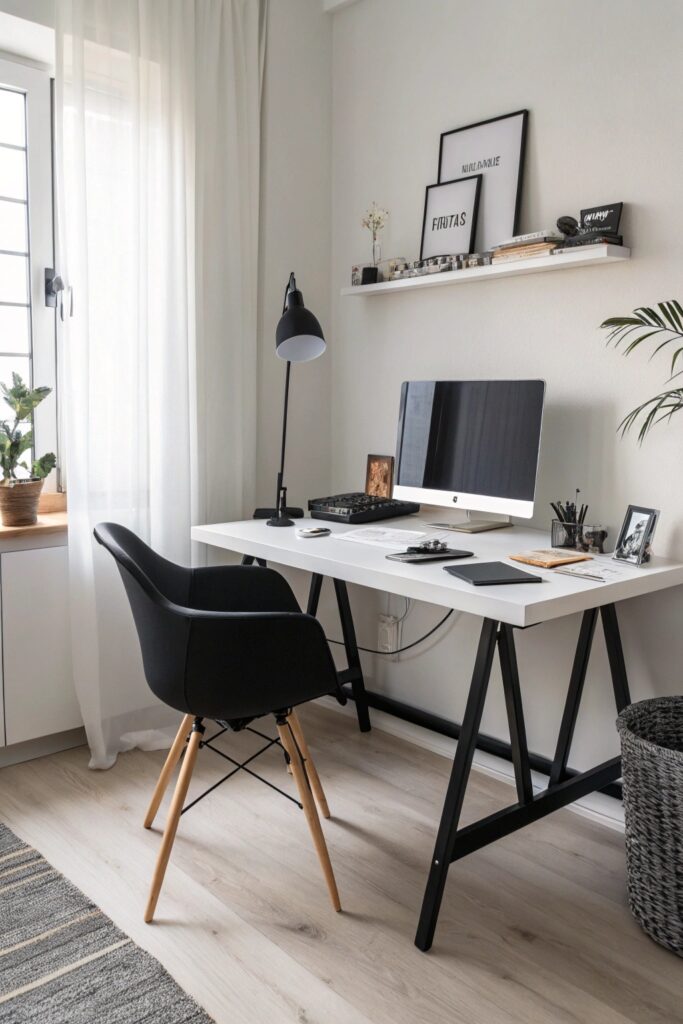
A cord raceway or cable channel along the back of the desk keeps a monochrome setup from being undermined by a visible tangle of cords, which stands out more in a pared-back color scheme than a busier one. Varying texture — a woven rug, a matte versus glossy surface — keeps an all-neutral palette from reading flat.
2. Greenery and Indoor Plants
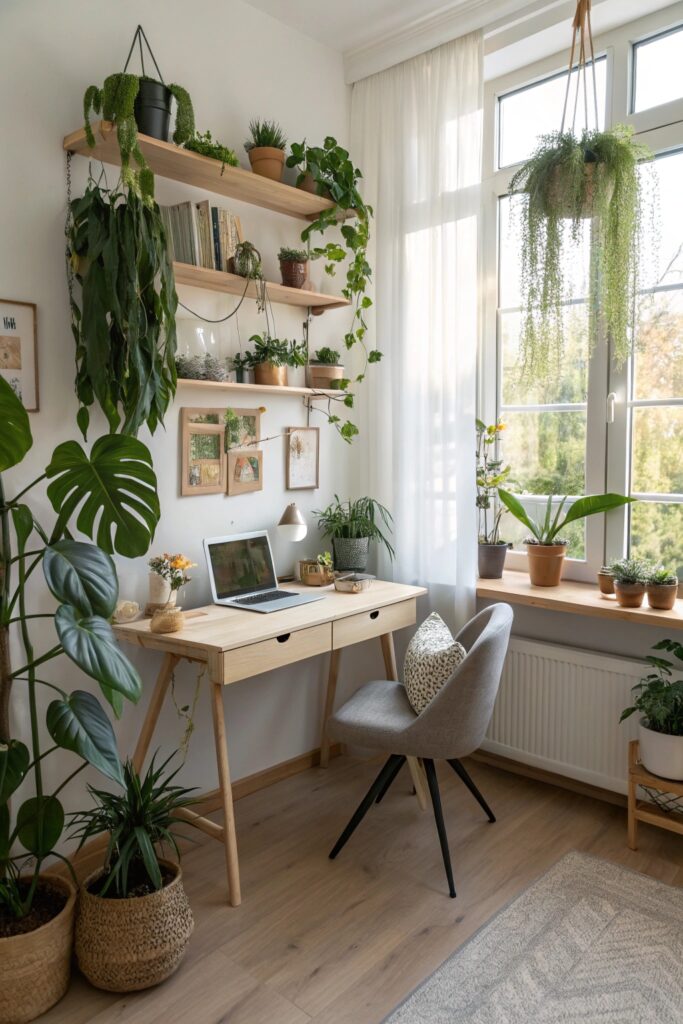
Pothos, ZZ plants, and snake plants all tolerate the lower, indirect light common in a home office better than most flowering varieties. Keep plants away from direct HVAC vents, since constant airflow dries out soil faster than normal and leads to more frequent watering than the plant’s care instructions would suggest.
3. Color-Pop Accent Wall
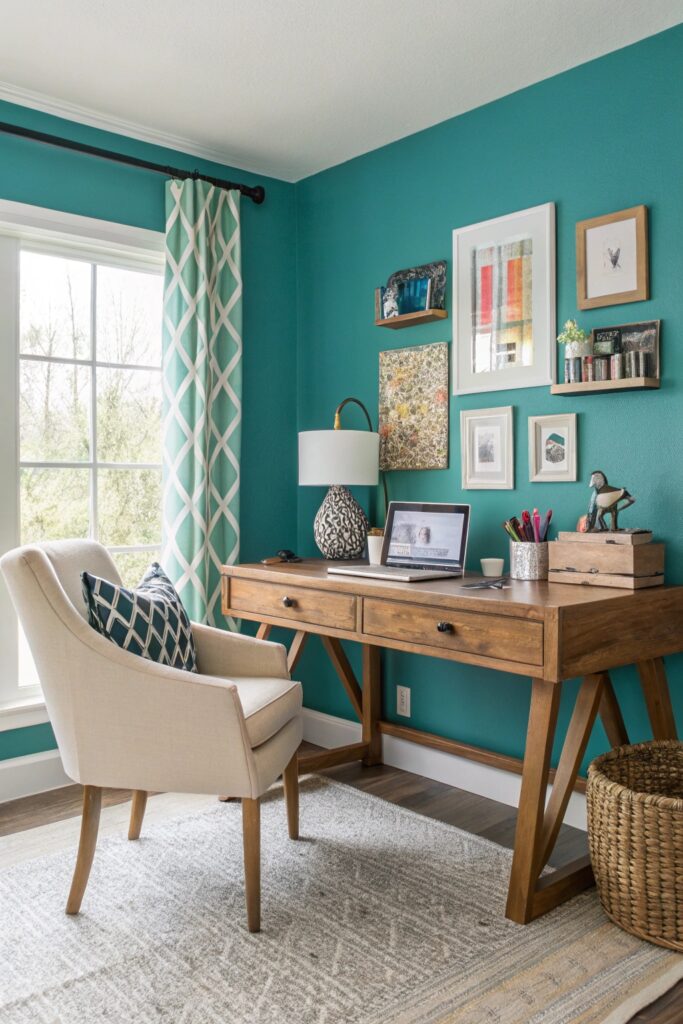
An accent wall placed behind you, rather than behind your monitor, shows up on video calls in a way a wall you’re facing never will — worth considering if the office doubles as a video meeting space. Cooler tones like blue and green are generally associated with calmer, more focused states, while warmer reds and oranges tend to read as more energizing but also more visually stimulating over a full workday.
4. Scandinavian-Inspired Setup
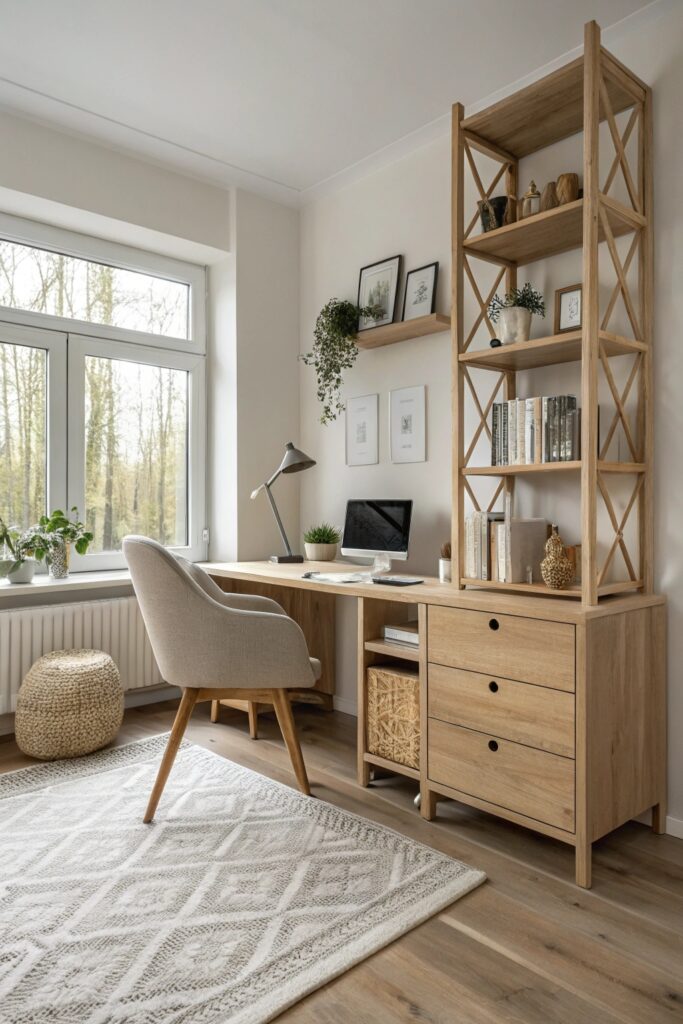
This style typically favors light wood tones and minimal overhead lighting, which makes a dedicated task lamp more necessary here than in styles with brighter ambient lighting built in.
5. Industrial Loft Vibes
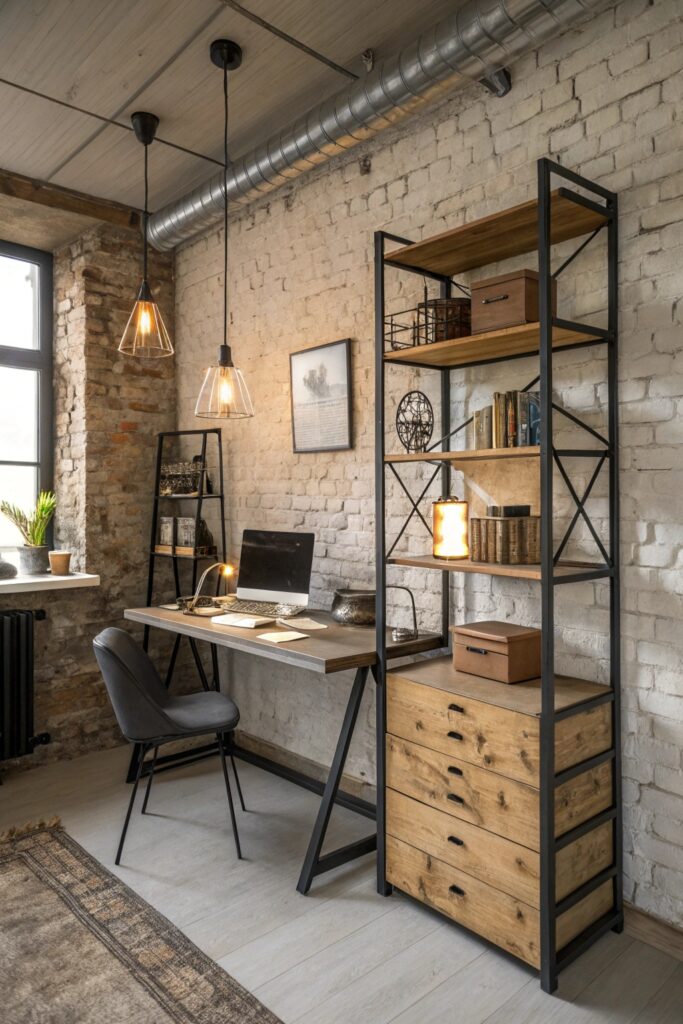
Exposed brick and concrete surfaces reflect sound rather than absorbing it, which can make a small office feel echoey; a rug and some upholstered seating help offset that acoustic hardness without abandoning the aesthetic.
6. Floating Shelves & Vertical Storage
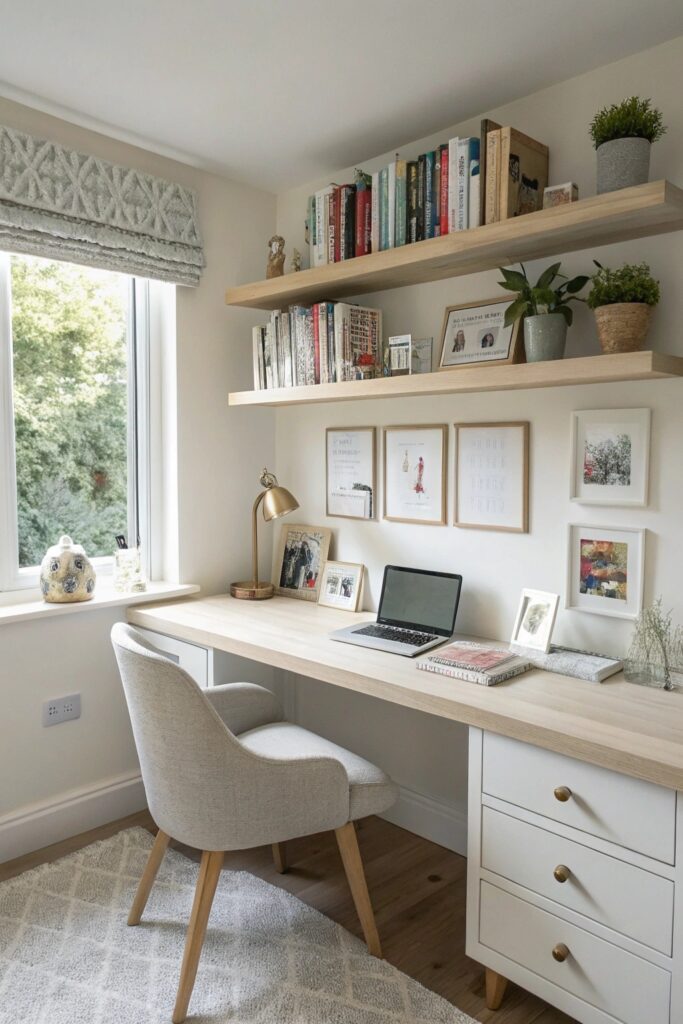
Anchor shelves into studs where possible, and leave enough clearance above the monitor that reaching for items doesn’t require leaning into the screen’s space.
7. Cozy Reading Nook
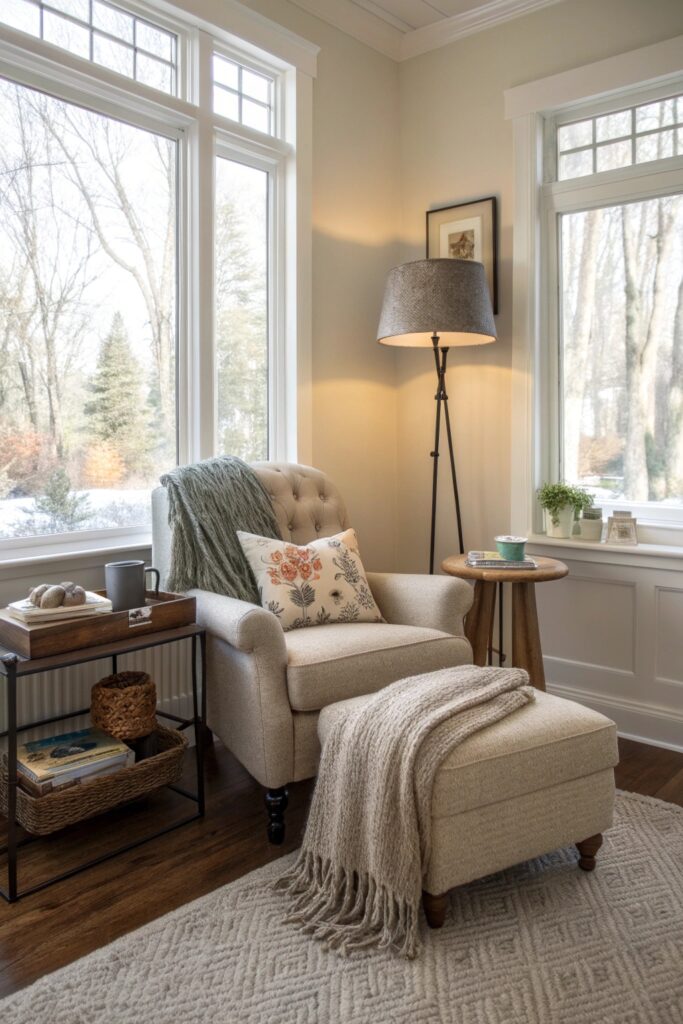
Positioning this separately from the primary desk, even by just a few feet, helps signal a mental shift from focused work to a break, which is harder to achieve in a single unbroken workspace. Reading comfortably needs more light than most people expect — aim for a lamp that delivers strong, direct light rather than relying on the room’s general ambient lighting.
8. Gallery Wall Inspiration
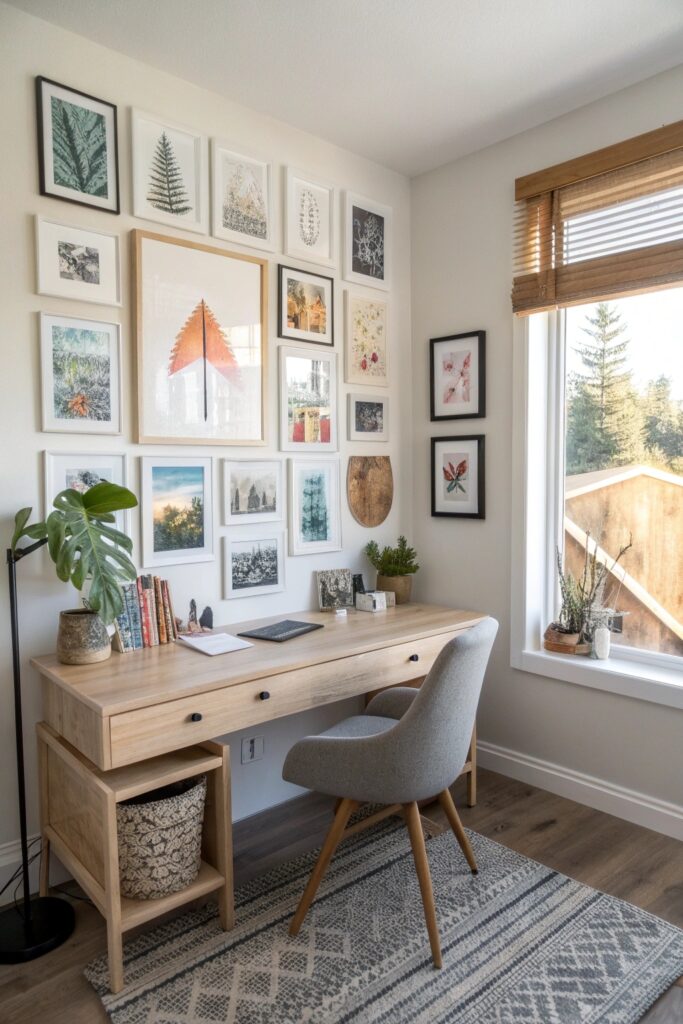
Keep 2 to 3 inches of spacing between frames for a cohesive grouping, and center the overall arrangement around 57 to 60 inches from the floor — the standard eye-level height used in gallery hanging.
9. Ergonomic Yet Stylish Furniture
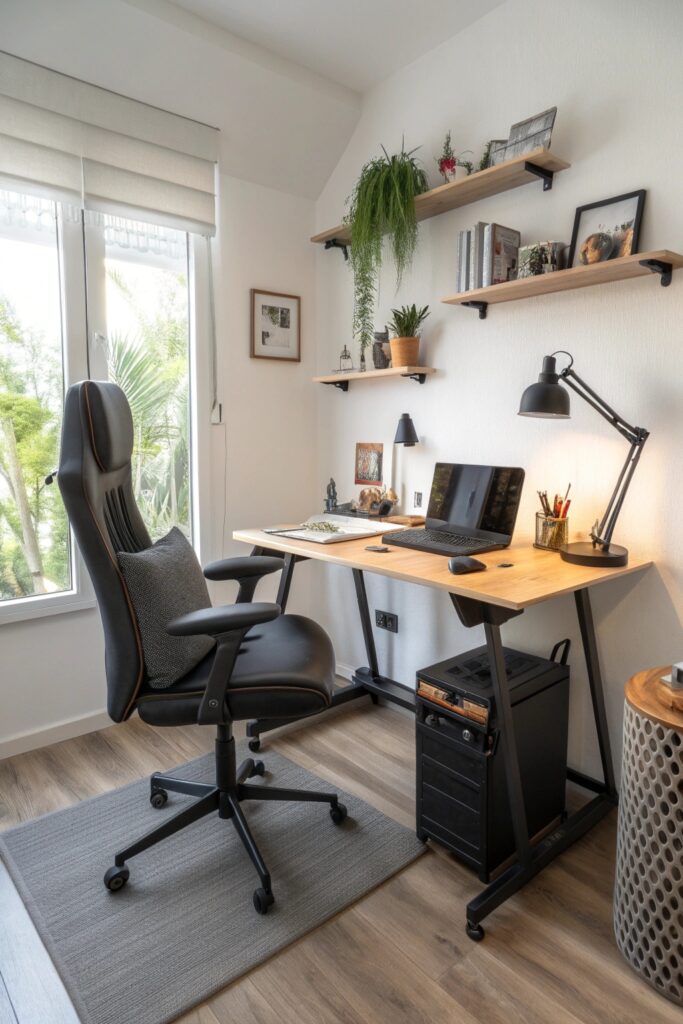
A desk height of 28 to 30 inches suits most seated setups; if you’re considering a standing desk, look for one adjustable across a 22 to 48 inch range to accommodate both sitting and standing use. Position the monitor roughly an arm’s length away, with the top of the screen at or just below eye level.
10. Statement Lighting
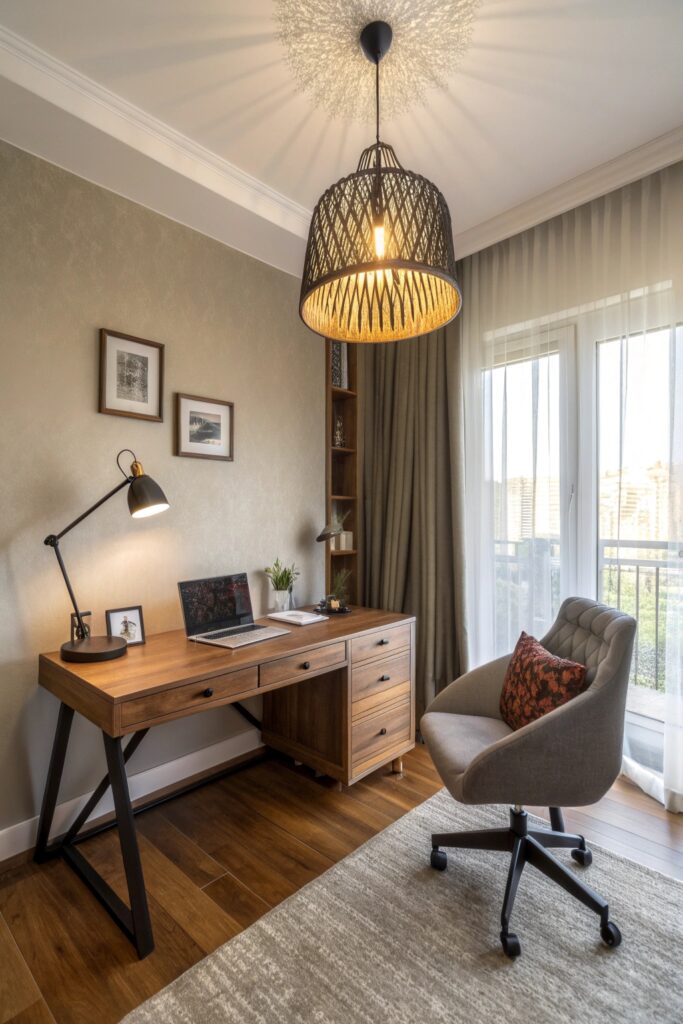
Desk work benefits from around 500 lux of task lighting, considerably more than typical ambient room lighting provides on its own. Position the light source to the side rather than directly behind or in front of the monitor, which avoids glare on the screen.
11. Multi-Functional Desk Layout
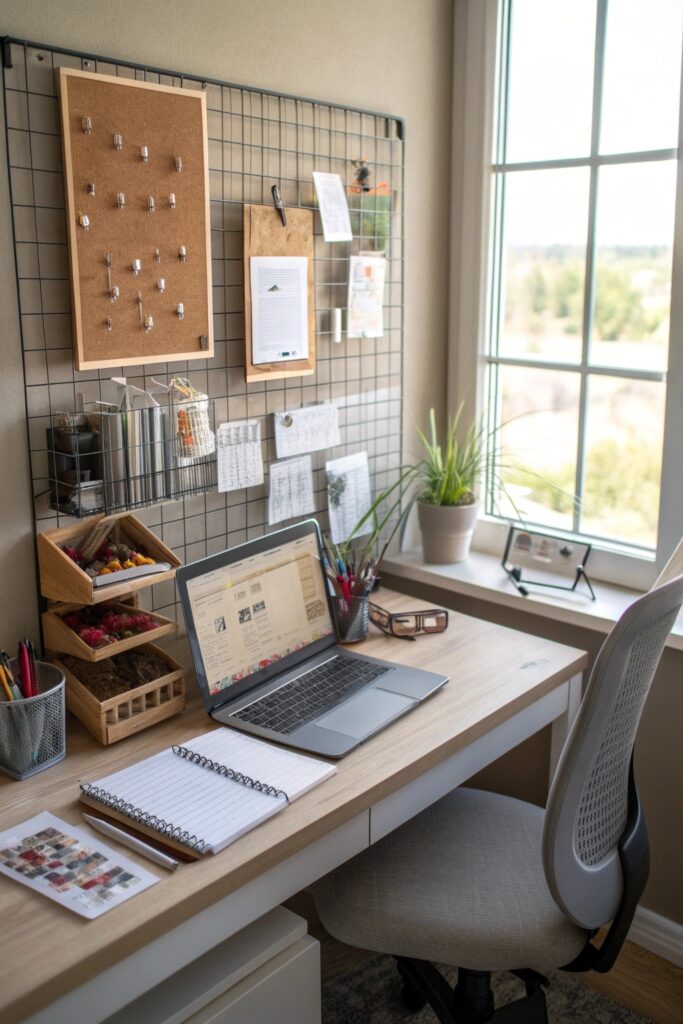
An L-shaped desk adds usable surface area without necessarily taking up more floor space than a large rectangular desk, since the second leg often fits into a corner that would otherwise go unused.
12. Personal Touches & Decor
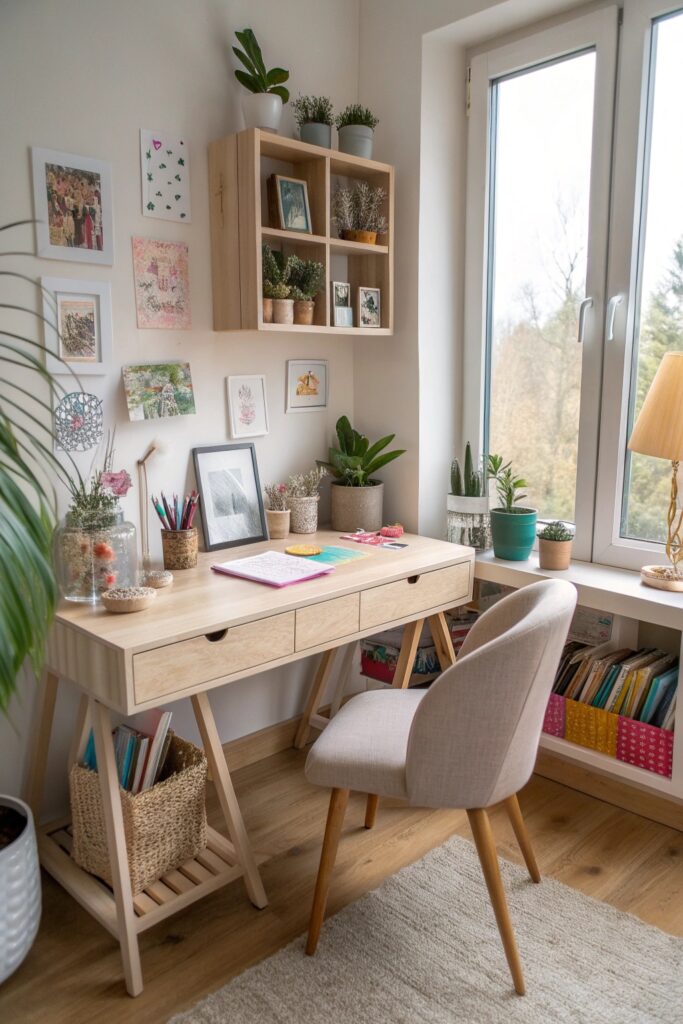
Keep personal items to a curated few rather than covering every surface, especially anything visible on video calls — a cluttered background is more distracting to call participants than most people realize when setting up the space.
Acoustic Considerations for Video Calls
Hard surfaces — glass desks, exposed concrete, bare hardwood floors — bounce sound in a way that shows up clearly on video call audio, even when the room feels fine to sit in. A rug, curtains, or upholstered furniture absorbs enough of that reflected sound to noticeably improve call clarity, which matters more the smaller the room is.
What This Setup Costs
A basic refresh — new lighting, a rug, a few decor pieces — typically costs $150 to $500 depending on quality.
A fuller overhaul including a new desk, ergonomic chair, and built-in shelving runs considerably higher, often $1,000 to $3,000, with the chair alone frequently accounting for $300 to $800 of that if you’re prioritizing real ergonomic support for daily use.
Matching Lighting Color Temperature to Screen Time
Bulbs in the 4000K to 5000K range read as neutral-to-cool white and tend to reduce eye strain during long stretches of screen work better than very warm 2700K bulbs, which can make white backgrounds on a monitor look slightly yellow by comparison. If the office also serves as a relaxing space in the evening, a bulb with adjustable color temperature avoids having to choose one setting for both uses.
Test any accent wall color or major furniture piece against the room’s actual lighting at different times of day before committing, since a home office is often used across a wider range of hours — bright morning light through afternoon dimness into evening lamp light — than most other rooms in the house.
Task Lighting Matters More Than Any Single Aesthetic Choice
Of everything on this list, adequate task lighting has the most direct effect on how the office actually functions day to day. A beautifully styled room with only dim ambient lighting still makes screen work harder on the eyes, while proper task lighting layered under a well-chosen aesthetic supports the room’s actual purpose rather than working against it. If you can only prioritize one upgrade, a quality desk lamp delivering real task-level light does more for daily use than most decorative choices on this list.